




GoDaddy Hosting Prices 2026 How Much You Pay for Shared VPS and WordPress
Article
Introduction: Why Choosing the Right Hosting Matters
Have you ever felt stuck choosing between confusing hosting plans? You are not alone. Many small business owners struggle with technical complexity, worry about security, and deal with slow website speeds that drive customers away.

A slow or down website can hurt your reputation and your sales.
GoDaddy is one of the most well-known names in the industry. Lots of people turn to them first when they need to get online. But here is the thing: not every plan is a good fit for every business. You need to look past the brand and check the details that matter most to you. That is the only way to make sure you are getting real value for your money.
In this guide, we will help you evaluate web hosting services GoDaddy offers.
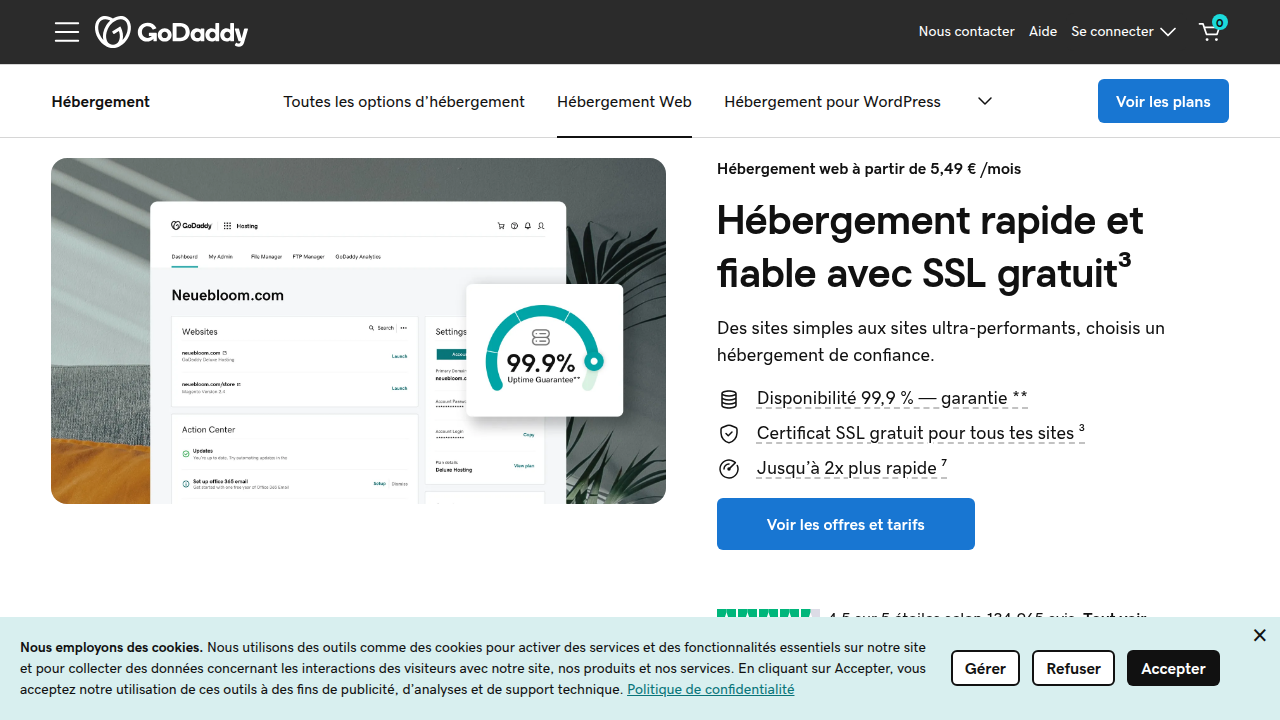
You will learn about godaddy hosting prices, what you actually get for your money, and how their plans compare to what your small business really needs. We will look at godaddy website hosting cost from introductory rates to renewal prices so you don’t get surprised later. And we will cover godaddy website cost for their builder and WordPress options too.
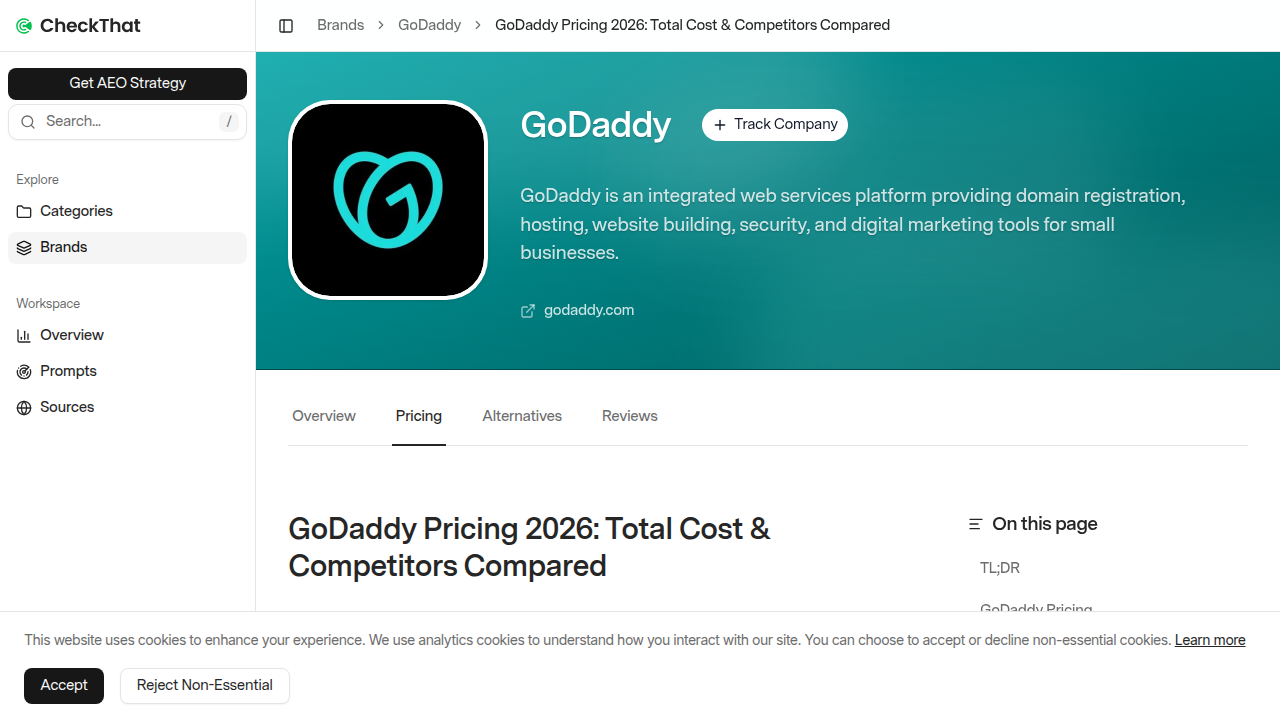
According to recent research, GoDaddy’s shared hosting starts around $5.99 per month for the first term, but prices jump after that source: checkthat.ai pricing guide.
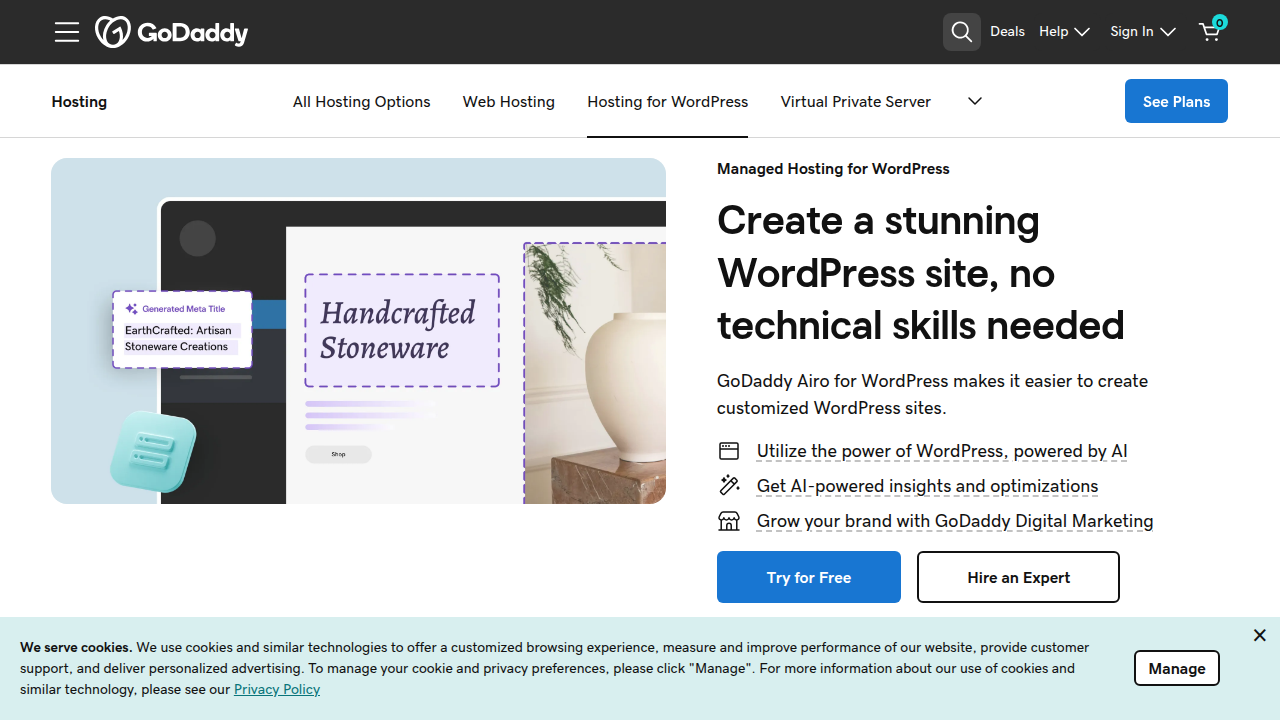
Their managed WordPress hosting starts at $6.99 per month source: GoDaddy WordPress hosting page.
Knowing these numbers upfront helps you compare options without guesswork.
If you are just starting out, you might also want to read our clear definition of web hosting services for business owners to build a strong foundation.
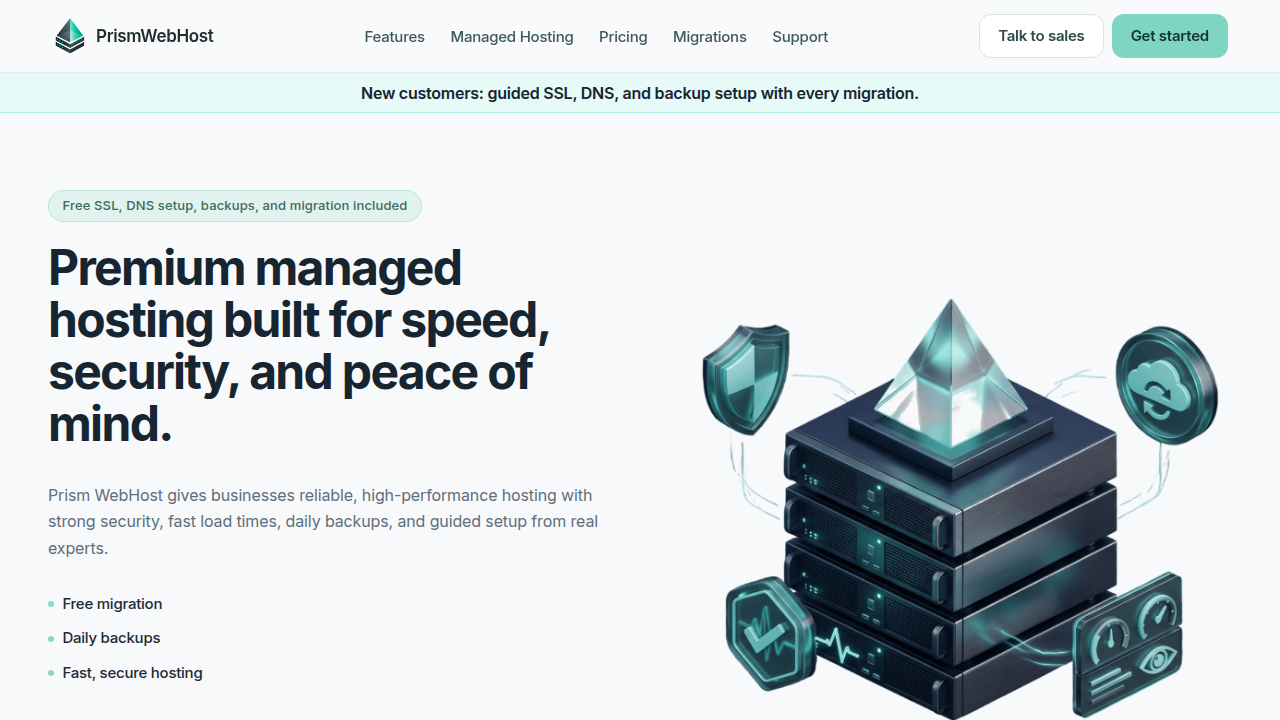
By the end, you will know if GoDaddy fits your business or if you should consider other choices like Prism Webhost for reliable, secure hosting that grows with you.
GoDaddy Hosting Plans and Pricing in 2026
GoDaddy offers four main types of hosting: shared, VPS, dedicated servers, and managed WordPress. Each comes with multiple tiers.
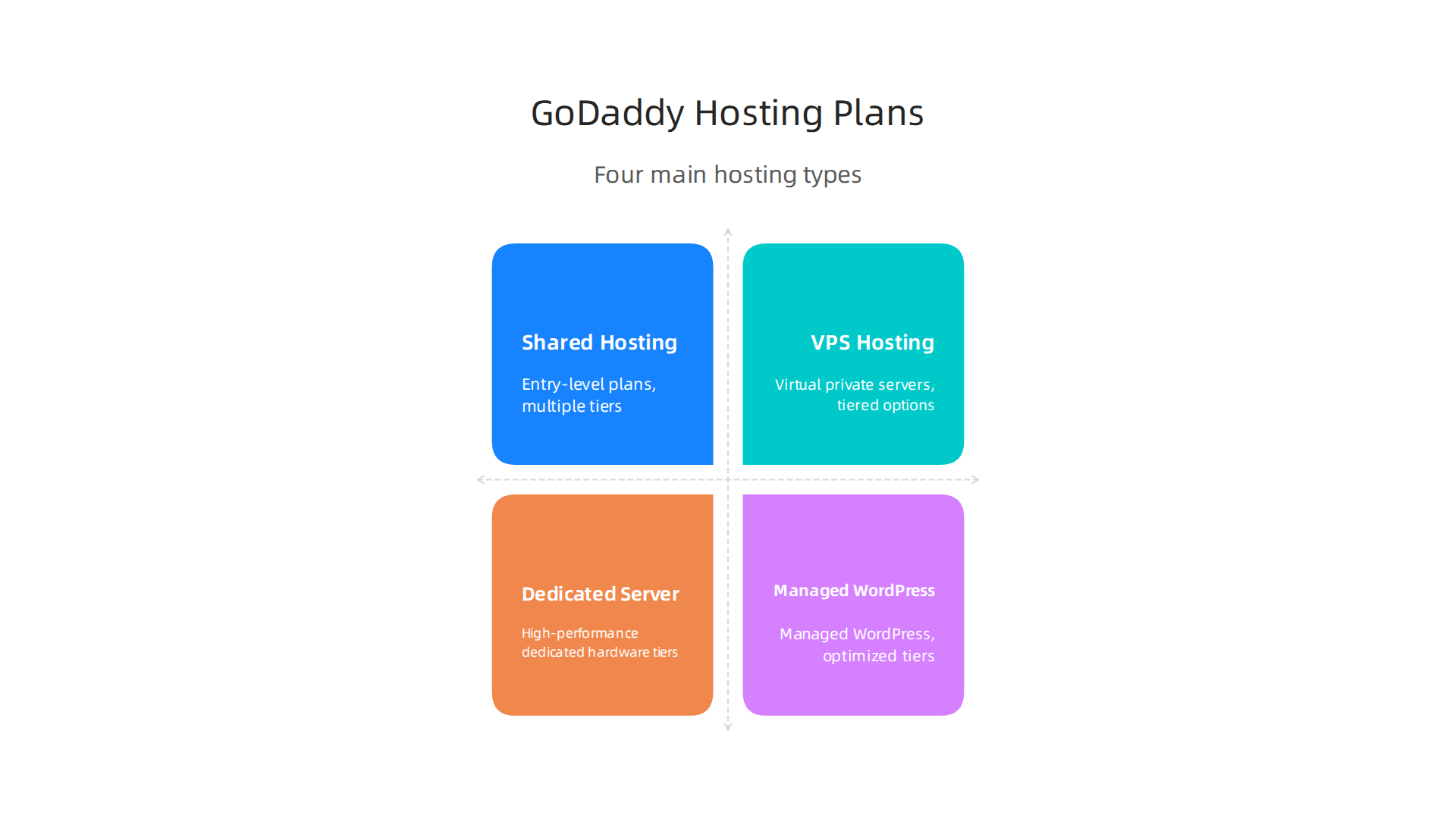
Let’s break them down so you can see what fits your budget and needs.
Shared Hosting (Economy, Deluxe, Ultimate)
Shared hosting is the cheapest option. Your site lives on a server with other websites. It works well for small, low-traffic sites.
- Economy – Starts at $5.99 per month for the first term (up to 36 months). You get one website and 25 GB of NVMe storage. A free domain and SSL certificate are included the first year source: checkthat.ai pricing guide. After the intro period, the price jumps to $9.99 per month source: Tooltester review.
- Deluxe – Starts at $7.99 per month intro. You can host unlimited websites. Storage is still capped, but it’s more than the Economy plan. Renewal is around $11.99 per month.
- Ultimate – Starts at $12.99 per month intro. It adds a free SSL certificate for all sites and a bit more performance. Renews at $16.99 per month.
All shared plans come with a free domain for the first year. But you have to buy domain privacy separately, which costs about $9.99 per year.
VPS Hosting
VPS stands for virtual private server. You get dedicated resources within a shared server. It’s faster and more secure than shared hosting. GoDaddy’s VPS plans start around $29.99 per month for the first term. They offer more RAM, CPU, and storage. This is good for businesses that need more power but aren’t ready for a full dedicated server.
Dedicated Servers
GoDaddy used to sell dedicated servers, but they are ending support for old plans. New customers might not be able to buy them. Instead, GoDaddy is moving customers to their Optimized Hosting or VPS solutions source: GoDaddy help on dedicated servers. If you need a dedicated server, you may have to look elsewhere.
Managed WordPress Hosting
If you use WordPress, GoDaddy has managed plans that handle updates, security, and speed for you.
- Basic – $6.99 per month intro. One website, 10 GB storage, and a free SSL.
- Deluxe – $10.99 per month intro. Two websites, 20 GB storage, and more visitors allowed.
- Ultimate – $14.99 per month intro. Three websites, 30 GB storage, and priority support source: GoDaddy WordPress hosting page.
These plans include a free domain and a staging site. Renewal prices are higher.
Managed WooCommerce Hosting
GoDaddy offers managed WooCommerce plans for online stores. These start around $14.99 per month intro. They include a free SSL, dedicated IP, and payment processing. Prices go up after the first term.
Hidden Costs to Watch For
- Domain privacy – $9.99 per year extra on most plans.
- SSL certificates – Some lower-tier shared plans may not include a free SSL after the first year. You could pay $69.99 per year for a standard SSL.
- Migration fees – GoDaddy offers a free migration tool for WordPress sites, but if you need help, they charge a fee source: WebHostMost review.
- Renewal price jumps – All plans increase dramatically after the first term. Always check the renewal price before you buy.
Is GoDaddy Right for You?
GoDaddy’s introductory prices look great. But the renewal sticker shock can hurt. Plus, you might pay extra for things like domain privacy and SSL.
If you want transparent pricing and no hidden fees, check out other providers. For example, Prism Webhost offers straightforward pricing with free SSL, NVMe storage, and 99.99% uptime. No surprise renewals.
Want to compare more options? Read our data-backed guide to choosing a reliable web host for honest reviews and tips.
Core Features and Performance Metrics
Once you know the plans, the next big question is: how well does GoDaddy actually perform? Let’s break down the features that matter most and see how things hold up in real use.
Uptime: What the Tests Show
GoDaddy promises 99.9% uptime in its service level agreement (SLA). That’s about 8.7 hours of downtime per year.
Independent tests in 2026 have shown some good results. One review reported 100% uptime over longer periods, with server response times between 70 and 180 milliseconds source: GoDaddy Review 2026 – Is It Still Worth It?. Those numbers are solid for shared hosting.
But not all tests look the same. Other benchmarks place GoDaddy below top performers like Hostinger and SiteGround when it comes to raw speed source: Top Hosting Companies in the US (2026). So while uptime is generally reliable, speed can be hit or miss depending on your plan and location.
Storage and Bandwidth
All of GoDaddy’s shared plans now use NVMe SSD storage, which is much faster than old-school HDDs. The Economy plan gives you 25 GB of NVMe storage source: Hostinger vs GoDaddy Comparison. That’s plenty for a small business site or personal blog. Deluxe and Ultimate plans offer more storage, but GoDaddy doesn’t make the exact numbers easy to find.
Bandwidth is advertised as “unlimited” on most shared plans. In reality, there’s a fair use policy. If your site gets a ton of traffic, you might see slowdowns or get asked to upgrade. For most small sites, it’s fine.
Number of Websites and Email
The Economy plan supports one website. Deluxe and Ultimate let you host unlimited websites. This makes Deluxe a good pick if you run multiple side projects or client sites.
Email accounts are included on most plans. Economy usually comes with one email account. Higher tiers give you more. Free SSL certificates and a free domain for the first year are also part of the deal. But remember, domain privacy costs extra.
Speed Benchmarks and TTFB
Page load speed and Time to First Byte (TTFB) matter a lot. Google uses site speed as a ranking factor. Slow sites lose visitors and sales.

One study found that the slowest performers had a TTFB of 380 ms, which translates to noticeable lag source: Best Web Hosting for Small Business in 2026. GoDaddy’s average TTFB is around 70 to 180 ms according to some tests, but that can vary.
In our own experience, GoDaddy’s speed is acceptable for basic sites. But if you run an ecommerce store or a content-heavy blog, you might want something snappier. A delay of just a few hundred milliseconds can drop conversions by 5 to 10 percent.
How These Metrics Affect Your Business
Your hosting features directly impact your bottom line. Slow pages hurt SEO and drive visitors away. Unreliable uptime loses sales and trust. Storage and bandwidth limits can choke growth.
GoDaddy provides a decent foundation. But there are trade-offs. For example, you might pay for extras like domain privacy and SSL certificates after the first year. And renewal prices jump significantly.
If you want a host that delivers consistent performance without hidden costs, consider alternatives. For straightforward pricing, fast NVMe storage, and a 99.99% uptime SLA, check out Prism Webhost. Their plans come with free SSL, LiteSpeed servers, and simple billing.
Need a fuller picture before deciding? Our data-backed guide to choosing a reliable web host compares multiple providers so you can make a confident choice.
Ease of Use and Onboarding Experience
Performance is one thing. But you also need a control panel that does not make you want to throw your laptop out the window. So how easy is GoDaddy to actually use in 2026?
The Control Panel: Custom vs. Standard
Here is the biggest difference you need to know. GoDaddy does not use the standard cPanel that most other web hosts use. Instead, they built their own custom dashboard.
If you are a complete beginner, this might look clean and simple at first. But once you need to do something specific, like manage an email account, install an SSL certificate, or look at your raw access logs, the custom interface can feel frustrating. Finding advanced settings is not always intuitive.
Many user reviews on G2 mention that while the website builder tool is easy to use, the overall dashboard feels locked down. The system pushes upgrades and upsells constantly. You click one thing, and you get a popup asking you to buy more.
In contrast, hosts that stick with the standard cPanel give you a familiar toolkit. You can find everything quickly, and there are millions of tutorials online that show you exactly where to click. If you are new to hosting, understanding what is web hosting services really helps, but a standard interface makes the learning curve much shorter.
Website Builder and One-Click Installs
GoDaddy pushes its own website builder very hard. It uses AI to generate a basic site in minutes. For a simple five-page landing page, it works fine.
But here is the catch. That builder locks you into GoDaddy. If you ever want to move your site, you cannot easily export it to WordPress or another host. You basically have to rebuild from scratch.
One-click installs for WordPress are available. But GoDaddy’s environment is not optimized for WordPress the way some specialized hosts are. If you want to run a serious blog or an ecommerce store, you will hit limits.
Migration Tools and Setup Wizard
Moving an existing website to GoDaddy is not always smooth. They offer a setup wizard for brand new sites, which is decent. But for migrations, many plans require you to do it yourself or pay for their professional migration service.
This is a huge pain point for business owners. You just want your site moved without downtime or broken links. You should not need to be a tech expert to switch hosts.
If you are starting fresh, the onboarding is fine. But if you are moving a growing business, you may feel stuck.
What Real Users Are Saying
Reviews in 2026 tell a consistent story. People say GoDaddy is easy to start with but hard to leave. The introductory prices are low, which pulls you in. But the interface constantly tries to sell you extras, and renewal prices jump a lot.
For true beginners who want a one-page site, GoDaddy works. But for anyone who wants to scale, the ease of use wears off fast.
A Better Onboarding Experience
You deserve a host that makes things simple from day one and stays simple as you grow. That means having standard tools like cPanel, free site migrations, and straightforward pricing.
If you are looking for web hosting services GoDaddy style but without the headaches, consider a provider that focuses on ease from the start. Prism Webhost gives you a standard cPanel interface, free SSL, and free migrations. You get the power without the popups.
Need help comparing all the options? Our data-backed guide to choosing a reliable host walks you through exactly what to look for so you never end up stuck with a host that limits your growth.
Customer Support and Technical Assistance
You can have the fastest servers in the world. But when your site goes down at 3 AM, none of that matters if nobody answers the phone.
So what happens when you need help with your GoDaddy account?
The Support Channels
GoDaddy offers several ways to get help:
- 24/7 phone support
- Live chat
- Email ticketing
- A large knowledge base
- Community forums
That sounds good on paper. But the reality feels different for many users.
Response Times and Resolution Quality
Here is the thing. GoDaddy’s support team does answer quickly. You will usually get someone on chat or phone within a few minutes.
But the real problem is getting your actual issue fixed.
That is where things fall apart.
Many users report that first-level support agents read from scripts. They are great at selling you upgrades. But they struggle with technical problems like DNS settings,
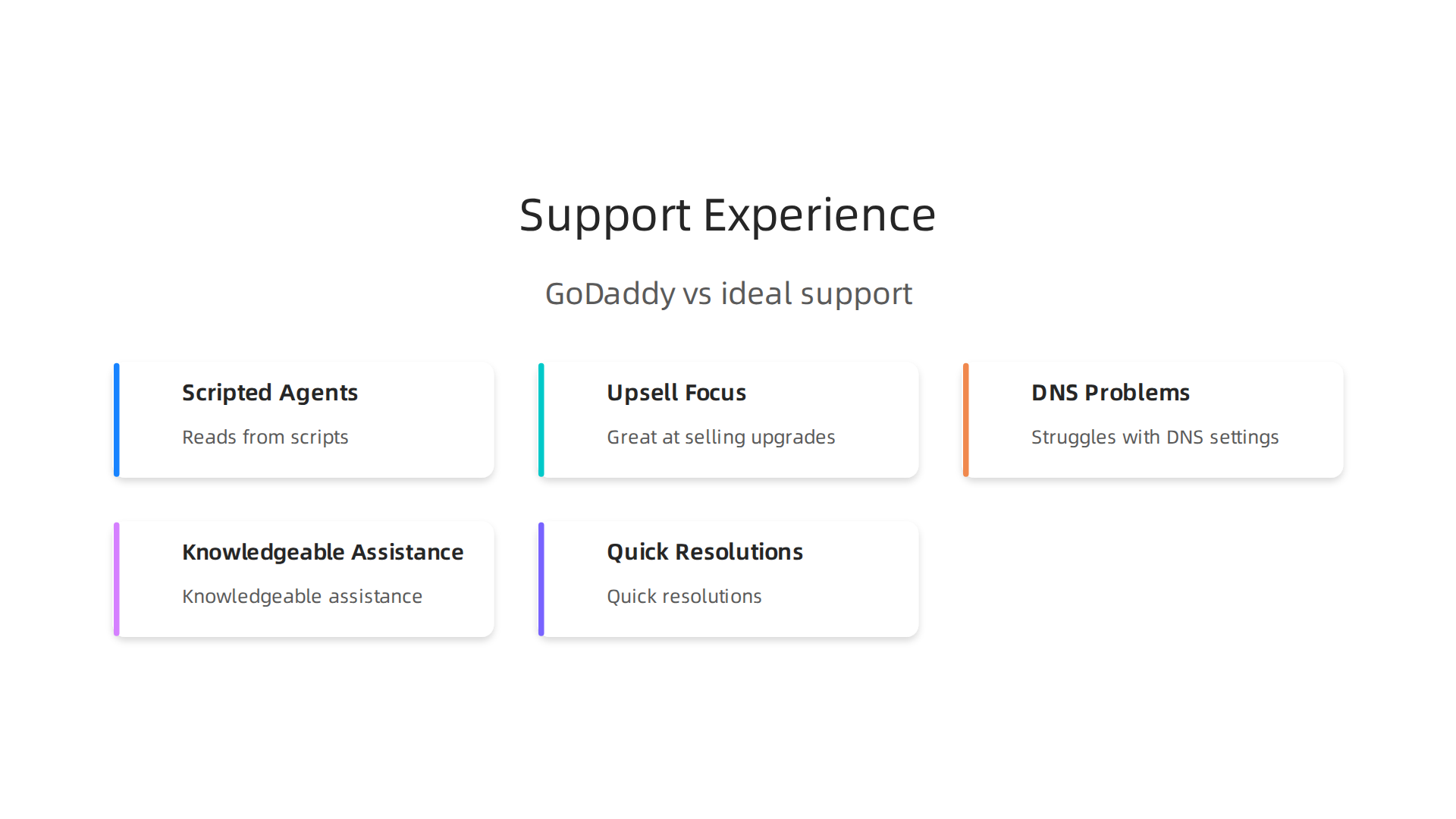
email configuration, or migration errors.
You often get transferred multiple times. And each time, you have to explain your whole problem again.
One user on G2 summed it up well: "Only the first term was affordable for me. Later on the prices were increased. So I stopped using the platform."
The sentiment is common. GoDaddy is easy to buy from. But hard to get real help from when things break.
Premium Support Tiers
GoDaddy does offer managed support options for business plans. These give you priority access and a dedicated account manager.
But here is the catch. You pay extra for this. It is not included in the basic plans.
If you are running a serious business and want fast, knowledgeable help, you need their premium tiers. That drives your godaddy website hosting cost up significantly.
What To Look For Instead
You deserve a hosting company that treats support like a core feature, not a paid add-on.
That means:
- Quick response times
- Agents who actually know the tech
- No endless transfers
- Free help with migrations and setup
If you are tired of script readers and upsells, consider a provider that puts support first. Prism Webhost gives you a standard cPanel interface, so you can manage things yourself if you want. But their support team actually understands hosting.
Want to make sure you pick the right host for your needs? Our web hosting template checklist for small business growth in 2026 walks you through every feature you should demand, including strong customer support.
When your site goes down, you need help fast. Do not settle for a host that treats support like an upsell opportunity.
Security Measures and Reliability Guarantees
You lock your front door at night. You set a strong password on your phone. But how much thought do you give to your website security?
It matters more than most people realize. A hacked site scares customers away. It hurts your search rankings. And it can take weeks to clean up.
So what does GoDaddy offer to keep you safe?
The Security Features You Actually Get
When you look at web hosting services GoDaddy offers, security is one area where they do some things right. Most plans include free SSL certificates, which encrypt data between your site and visitors. That is table stakes in 2026.

GoDaddy also provides DDoS protection to absorb traffic floods that try to knock your site offline. And they offer domain privacy to hide your personal contact info from public WHOIS lookups.
But the full picture is more complicated.
GoDaddy does offer malware scanning and daily backups. However, these features are often locked behind paid upgrades. The basic plans give you the essentials. You need to pay extra for real protection.
According to a detailed GoDaddy Review 2026, the company does include important basics like DDoS protection and free SSL. But their advanced security features live in separate paid packages.
The Uptime Promise
GoDaddy pledges 99.9% uptime in their Service Level Agreement (SLA). That sounds great. But here is the catch.
Independent tests tell a different story. A 2026 comparison of best web hosting for small business measured GoDaddy’s actual uptime at 99.92%. That translates to around 7 hours of downtime per year.
If your business depends on being online 24/7, those hours hurt.
GoDaddy does offer compensation if they miss their SLA. You can request hosting credits. But you have to track the downtime yourself and file a claim. Many small business owners simply do not have time for that.
Compliance and Certifications
GoDaddy holds several important certifications. Their domain registrar and registry service is ISO 27001:2013 certified. They also adhere to SOC 2 standards for data security.
These certifications matter if you handle sensitive customer data. They show GoDaddy follows industry best practices for protecting information.
What That Means for Your Godaddy Website Hosting Cost
Here is the honest truth. You get basic security with every plan. Free SSL. Domain privacy. Some DDoS protection.
But the advanced tools that actually keep your site safe malware scanning, daily backups, dedicated security monitoring those come at an extra cost. And those extras add up fast. Your godaddy hosting prices can double or triple once you add real protection.
That is where a provider like Prism Webhost makes a real difference. You get enterprise-grade security checks including DNSSEC and SSL/TLS included from day one. No paid add-ons for basic protection. Plus a 99.99% uptime SLA and 17Tbps+ DDoS protection built into every plan.
Want to know exactly what security and reliability features you should demand from any host? Our web hosting template checklist for small business growth in 2026 walks you through every item you need to check.
Your website security is not something to bargain hunt on. Make sure your host takes it as seriously as you do.
Scalability Options for Growing Businesses
Your business is doing well. Traffic is climbing. Orders are rolling in. That is a great problem to have. But it also puts pressure on your website.
Here is the thing. Shared hosting plans are like a crowded bus. They work fine when there are few passengers. But when everyone shows up at once, things get cramped.
The Resource Wall in Shared Hosting
Every shared hosting plan has limits. CPU, memory, and bandwidth are shared across many sites. When your traffic spikes from a viral post or a sale, your site can slow down. It might even crash.
GoDaddy’s basic plans handle small traffic well. But they do not handle sudden surges. You risk losing customers during peak moments. That is frustrating.
According to a detailed GoDaddy Review 2026, the lowest tier plans have tight resource caps. You need to upgrade quickly once your traffic grows. And those upgrades come at a cost.
The Upgrade Paths GoDaddy Offers
GoDaddy has two main options for scaling up.
Virtual Private Servers (VPS): This gives you dedicated resources on a shared machine. More power, more control. But GoDaddy’s legacy VPS platform is reaching end of support. They are migrating customers to a new Optimized Hosting platform. That transition can be messy.
Dedicated Servers: You get an entire physical server to yourself. Maximum performance. But GoDaddy is also ending life on their dedicated server line. Migrations started in 2024. That is a red flag for stability.
GoDaddy also offers cloud hosting options, but these sit at higher price tiers. Your godaddy website hosting cost jumps significantly when you leave shared hosting.
Managed WordPress and WooCommerce Plans
For ecommerce sites, GoDaddy has managed WordPress and WooCommerce plans. These promise better performance and scalability. They include staging environments, automatic updates, and caching.
But again, these managed plans cost more. And they lock you into GoDaddy’s ecosystem. If you outgrow them, moving your store is a headache.
The godaddy hosting prices for managed WordPress plans start around $16.99 per month for the basic tier. That is more than most shared plans. You pay for convenience.
A Better Way to Scale
Instead of hopping from one tier to another and paying more each time, choose a host that scales with you from day one.
Prism Webhost offers automated scalability built into every plan. You get isolated hosting environments. That means your site does not share resources with noisy neighbors. Traffic spikes are handled smoothly without manual upgrades.
Plus, you get NVMe SSD storage, LiteSpeed servers, and a 99.99% uptime SLA. No forced migrations. No end-of-life surprises.
Want to make sure your hosting can handle growth without breaking the bank? Our web hosting services reviews for 2026 break down exactly what to look for.
Your business is growing. Your hosting should keep up without the hassle.
GoDaddy Compared to Competitors: Pros, Cons, and Value for Money
So where does GoDaddy actually stand against the competition? Let’s break it down straight.
GoDaddy has real strengths. Brand trust is huge. Millions of people use them. They offer domains, email, marketing tools, and hosting all in one place. That convenience matters for busy business owners. Their shared hosting plans start around $6 per month, which sounds affordable on the surface.
But there are downsides you need to know about.
Aggressive upselling is a common complaint. You sign up for a low price, then get hit with add-ons at checkout. And those godaddy hosting prices jump dramatically at renewal. The cheap intro rate does not last.
Mixed support reviews also show up in comparisons. Some users get fast help. Others wait a long time for basic fixes.
How GoDaddy Stacks Up
When you compare web hosting services godaddy against alternatives, the picture gets clearer.
SiteGround wins on WordPress performance and support responsiveness. Their managed WordPress hosting includes features GoDaddy charges extra for. Starting at $6.99 per month, SiteGround offers better speed and uptime according to multiple tests.
Bluehost is another strong competitor. It offers similar entry pricing but includes more storage on basic plans. Support is solid for beginners.
HostGator comes in with better renewal rates than GoDaddy. That matters for your long-term godaddy website hosting cost comparison.
The bottom line? GoDaddy works for simple sites. But if you care about speed, support, and fair pricing over time, other hosts deliver more value.
Want a clearer picture of what to look for? Check out our web hosting services reviews for 2026 to compare features side by side.
And if you want hosting that grows with you without the surprises, Prism Webhost gives you reliable performance, transparent pricing, and support that actually helps.
Summary
This guide evaluates GoDaddy hosting in 2026, breaking down plan types, real pricing, and the costs you might not expect. It explains shared, VPS, managed WordPress, and WooCommerce offerings with sample intro rates and typical renewal jumps, and highlights common extras like domain privacy, SSL, and migration fees. The article reviews performance metrics — uptime, TTFB, NVMe storage — and explains how those figures affect SEO, conversions, and business reliability. It also covers ease of use, showing where GoDaddy’s custom dashboard and website builder help beginners but can lock you in or complicate migrations. Support and security are examined honestly: basic protections are included, while advanced tools and prioritized help usually cost extra. Finally, the piece compares GoDaddy to alternatives and gives practical criteria so you can decide whether to stick with GoDaddy or choose a host with clearer pricing and stronger support.
