




Showit Website Builder Review Performance Security and Pricing
Article
Introduction: Why Showit Matters for Your Online Presence
You have a business to run. You need a website that looks amazing and works fast. But every time you try to build one, you hit a wall. The hosting setup feels too technical. The page speed drags. Maybe you have tried a godaddy website builder or a hostinger website builder, and while they felt simple, your site never quite looked the way you wanted.
If that sounds familiar, you are not alone. Many entrepreneurs and small business owners struggle with the same pain points. They want a beautiful online presence without all the backend headaches.

That is where a showit website comes in. Showit is a drag-and-drop builder built for creatives.

You can move elements anywhere on the canvas. You can design your mobile view separately so it looks just as good. And underneath, you get the blogging power of WordPress. As one guide explains, Showit combines the creative freedom of a drag-and-drop builder with the blogging power of WordPress.
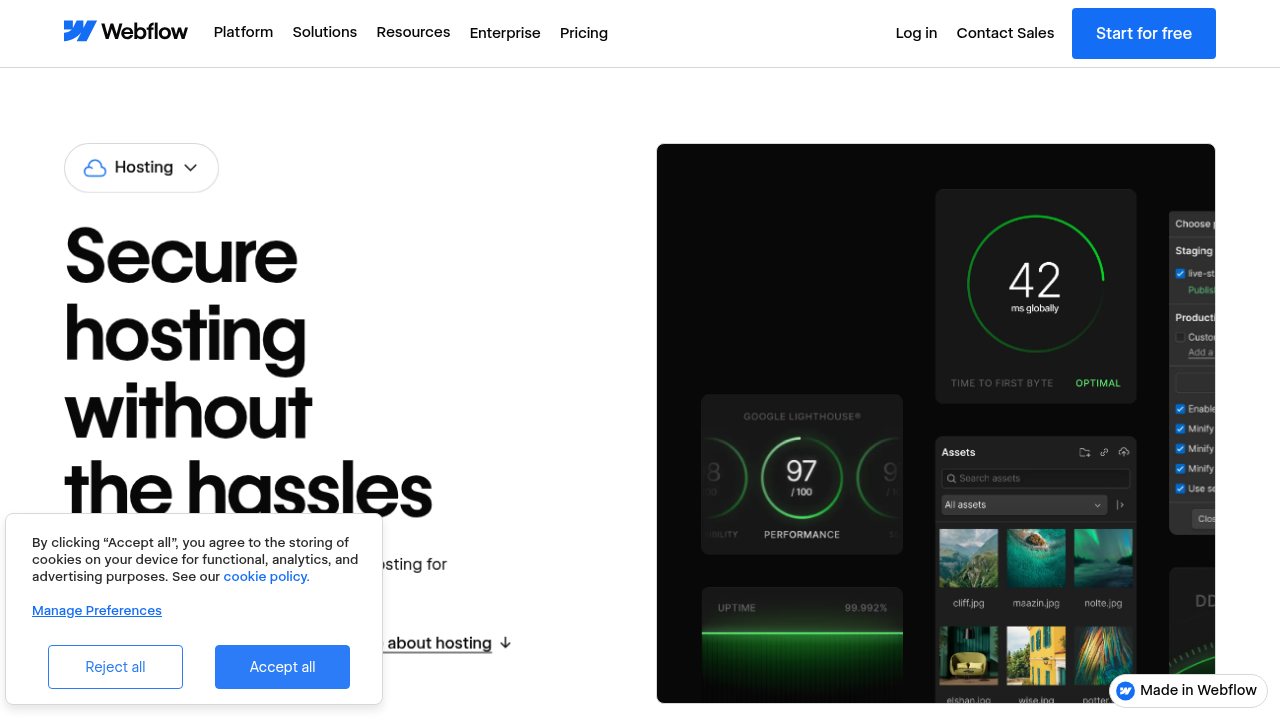
Design freedom is great. But a pretty site that loads slowly or gets hacked is not a win. Your website also needs strong security, fast performance, and room to grow. Many business owners compare Showit to webflow hosting or even the hostinger ai website builder to see which platform handles all these needs best.
And if you are new to hosting, it helps to start with a clear definition of what web hosting actually does.
This guide will walk you through exactly that. We will evaluate Showit on security, speed, scalability, and support. By the end, you will have a clear picture of whether Showit fits your business. No matter which platform you choose, the hosting behind it matters. For a closer look at hosting that delivers on security and performance, explore Prism Webhost’s offerings.
Let’s dive in.
What Is the Showit Website Builder?
So what exactly makes a showit website different from a godaddy website builder or a hostinger website builder? Let’s break it down in simple terms.
Showit is a drag-and-drop platform built specifically for creatives. Photographers, designers, coaches, and small business owners use it because it gives them total control over how their site looks. You can place any element anywhere on the page. No rigid grids. No templates that force you into a box.
One reviewer who tested the platform said it offers "unparalleled design freedom" and called it any web designer’s best friend. That kind of flexibility is rare among website builders.
Here’s the real magic though. Showit works as what experts call a hybrid platform. It combines the creative freedom of a visual builder with the blogging power of WordPress.
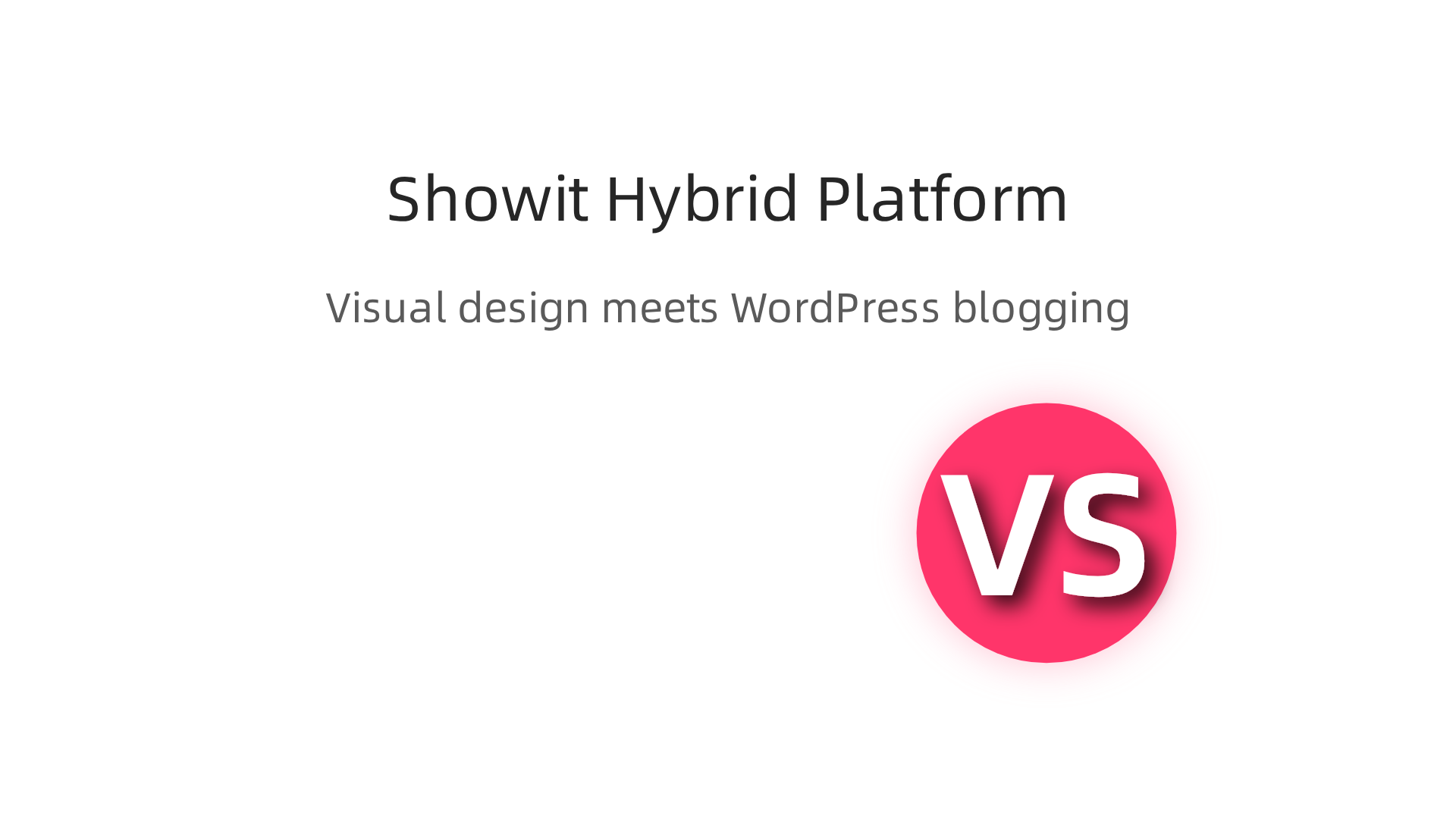
This is a big deal. You get to design your site on a blank canvas, but underneath, you get WordPress for your blog posts, SEO, and content management. It’s the best of both worlds.
Some of the features designers love most include:
- Complete creative control. You move images, text, and videos exactly where you want them.
- A separate mobile editor. You design your mobile view independently so it looks perfect on phones.
- Canvas views. You see your whole layout at once, not just one section at a time.
- Hidden shortcuts. Features like special paste and option-double-click save you hours of work.
But here’s the thing you need to understand. Showit is a website builder, not a hosting provider. It does not include domain hosting or e-commerce features on its own. When you build a showit website, you still need reliable hosting to keep your site secure and fast.
That’s why understanding the full picture matters. A beautiful design means nothing if your hosting is slow or insecure. Many business owners compare Showit to webflow hosting or the hostinger ai website builder to see which platform handles security and performance better.
If you want hosting that keeps your site running safely and quickly, you can explore what Prism Webhost offers. Reliable hosting makes all the difference once your design is ready.
For a deeper look at what web hosting actually does, read our clear definition for business owners. It helps you understand the backend that supports your beautiful new site.
Showit Performance and SEO: Speed, Rankings, and User Experience
A beautiful design means nothing if your site loads like a snail. Google knows this. Your visitors know this.

In 2026, Core Web Vitals are a direct ranking factor, and slow sites lose business fast.
So how does a showit website actually perform?
Showit claims to use optimized hosting with a content delivery network (CDN) and caching. In theory, that should give you decent speed. But here’s the reality check: benchmarks vary a lot depending on how you build the site.
One Showit resource explains that third-party code is the biggest culprit for poor Core Web Vitals scores. Things like embedded forms, analytics scripts, and social media feeds can slow everything down. You have to be careful about what you add.
What Core Web Vitals Mean for Your Showit Site
Google uses three main metrics: Largest Contentful Paint (LCP), Interaction to Next Paint (INP), and Cumulative Layout Shift (CLS).
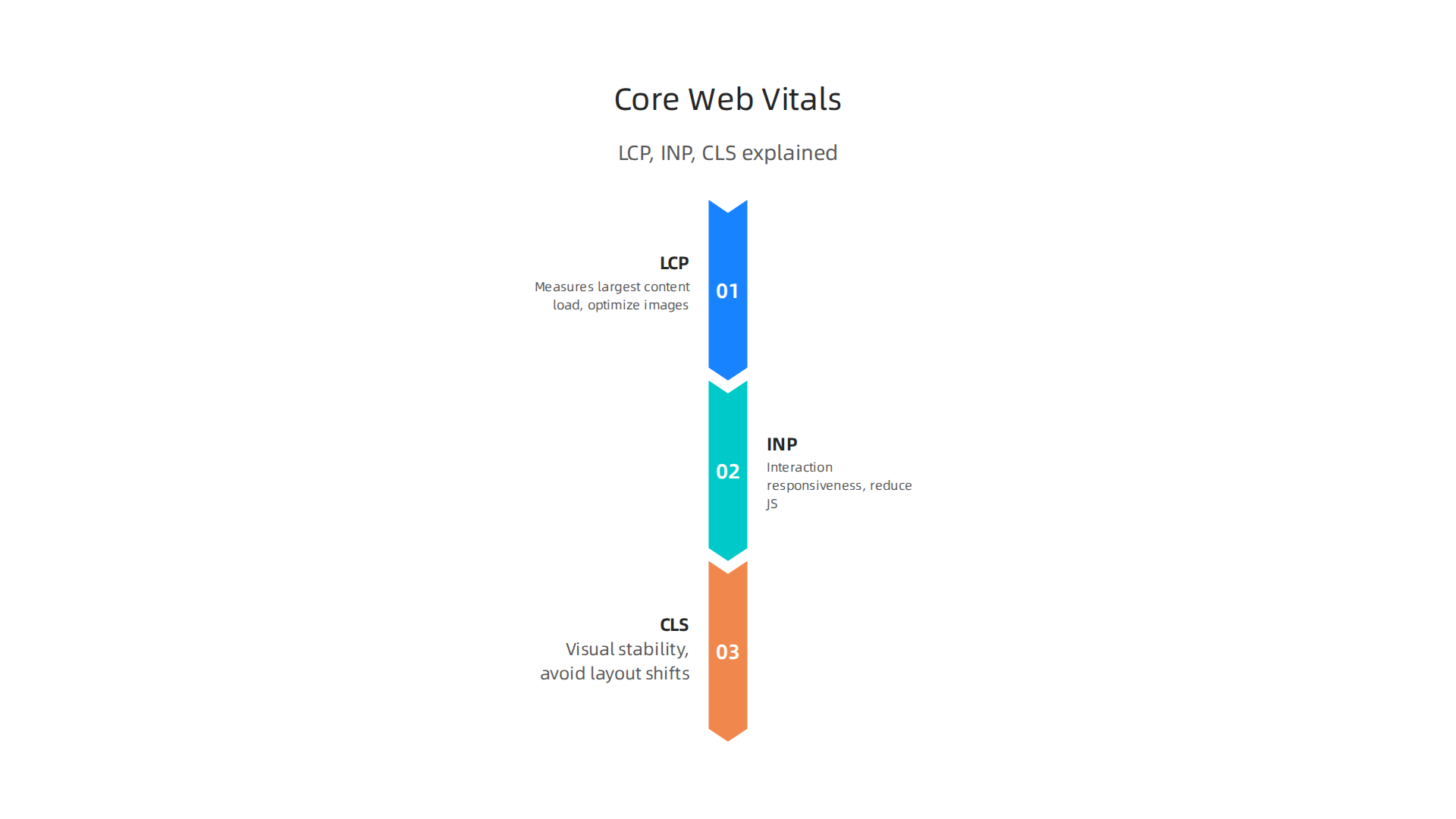
A 2026 technical SEO guide breaks down how to optimize each one. For Showit, you have control over images, fonts, and layout, but you also rely on the platform’s underlying infrastructure.
The Showit team has their own guide on improving Core Web Vitals. They recommend optimizing images, reducing third-party embeds, and using their mobile editor to prevent layout shifts. That’s helpful.
But independent tests show mixed results. One comparison found that Wix had a 74.86% Core Web Vitals pass rate, while Showit’s numbers were less documented. The point is: you can build a fast Showit site, but it takes effort.
Technical SEO Features: What You Get (and What You Don’t)
Showit lets you add meta titles, descriptions, and alt text. You can also implement schema markup if you know how. It also offers full mobile responsiveness through its separate mobile editor. That covers the basics.
But compared to a platform like WordPress, Showit’s SEO toolkit is limited. You don’t get advanced plugins or deep control over server-level settings. That’s why pairing Showit with reliable hosting matters so much. A fast hosting foundation gives your SEO efforts a real boost.
If you want to understand the full picture of how hosting affects your rankings, check out our data-backed guide to choosing a reliable host. It helps you compare performance across providers.
The Bottom Line on Performance
Your Showit site can rank well and load fast. But you need to actively manage images, code, and third-party scripts. Following a Core Web Vitals checklist helps a lot.
For the best results, pair Showit with hosting that prioritizes speed and security. That’s where Prism Webhost comes in. We provide enterprise-grade infrastructure with LiteSpeed servers, NVMe SSD storage, and built-in caching. Your beautiful Showit design deserves a strong foundation underneath.
Security Features: How Showit Protects Your Website
Security might not be the most exciting part of building a site. But it is one of the most important. As a small business owner, you worry about hackers, data breaches, and losing your hard work. You need to know your showit website is safe.
Showit takes security seriously. They build protection right into their platform so you can focus on your business instead of worrying about threats.
The Protections Showit Gives You
Every Showit plan comes with a secure hosting environment. This includes a few key features that work in the background. First, every site gets a free SSL certificate. SSL stands for Secure Sockets Layer. It encrypts the information people send through your contact forms or checkout pages. This builds trust with your visitors. It also helps your SEO because Google rewards secure sites. You can learn how to set up an SSL certificate for your Showit site in their help guide.
Second, Showit provides firewall protection. A firewall blocks bad traffic before it reaches your website. This stops many common attacks before they start. Showit also uses disc write protection to prevent unauthorized changes to your files.
Third, Showit handles backups automatically. Your blog posts, pages, and media are backed up every single day. These backups are stored on a different server for extra safety. If something goes wrong, you can restore a previous version from the last 30 days. That peace of mind is huge.
The Risk You Need to Watch For
Here is the honest truth. Showit’s own platform is very secure. But your showit website might use third party tools. Things like an e-commerce plugin, a booking system, or an email marketing form. These add-ons can introduce new risks. They might have their own security gaps.
You need to keep these tools updated. Only use trusted plugins from reliable developers. This is something you rarely have to think about with an all-in-one solution like the Hostinger website builder. But Showit gives you freedom to add what you want. With that freedom comes responsibility.
Strengthening Your Security Foundation
Showit handles platform level security well. But for even stronger protection, you should pair it with a host that goes further. A good host adds layers like advanced DDoS protection and isolated server environments.
That is where Prism Webhost comes in. We provide enterprise-grade security features including 17Tbps+ DDoS protection, free SSL certificates, and isolated hosting environments. Your beautiful design deserves a strong, safe foundation underneath it.
Choosing the right host is a big decision. If you want to compare your options, take a look at our data-backed guide to choosing a reliable web host. It helps you find a partner that keeps your site safe and fast.
Hosting Infrastructure and Scalability: Can Showit Grow With Your Business?
Your showit website might start small. But what happens when you get a big traffic spike from a viral post or a featured client? Showit’s hosting is managed, which means they take care of the technical side for you. That is great for ease of use. But there is a catch. Their hosting is shared.
Shared hosting means your site lives on the same server as other Showit customers. When one site gets slammed with visitors, it can slow down your site too. Showit does have resource limits. If your traffic grows fast, you could run into performance problems. That directly affects your Core Web Vitals scores. Things like Largest Contentful Paint (LCP) and Interaction to Next Paint (INP) depend on server response times and how fast your site loads. According to Showit’s own help center, third party code you embed is often the biggest cause of poor Core Web Vitals scores. So if your site is slow, it is not always Showit’s fault. But the shared environment does not help.
Showit does offer a few ways to scale. You can upgrade to a higher plan for more resources. For really advanced needs, you can integrate with AWS or Cloudflare. That adds more horsepower and a content delivery network (CDN) to handle traffic from around the world. But those setups require extra work and cost. They are not built in.
So what about uptime? Showit does not publish a specific uptime guarantee. That is a risk for businesses that rely on their site being available 24/7. If your site goes down during a launch or a booking period, you lose money and trust. The same goes for speed. A 2026 comparison of Showit against Wix noted that Showit’s infrastructure is less documented and has a lower Core Web Vitals pass rate than some competitors. That tells you performance is not their strongest feature.
Some builders handle this better. The Hostinger website builder provides a more scalable environment with built-in performance tools. The Hostinger AI website builder even optimizes your site automatically. Showit gives you design freedom, but you trade away some reliability and growth headroom.
If your business depends on your site being fast and always online, you need a stronger foundation. That is why many showit users pair their design with a separate hosting provider that offers dedicated resources, a real uptime guarantee, and easy scaling. For a deeper look at what makes a host truly reliable, check out our data-backed guide to choosing a reliable web host.
For the best performance and peace of mind, consider a host like Prism Webhost. We offer isolated hosting environments, a 99.99% uptime SLA, and automated scalability so your site grows without limits. Your beautiful Showit design deserves a solid engine behind it.
Support and Community: Getting Help When You Need It
You are working on your showit website late at night. Suddenly something breaks. A button does not work. An image disappears. You need help fast. What do you do?
Showit offers a few ways to get support. You can email their team at help@showit.com. They also have a detailed help center with guides and tutorials. For less urgent questions, there is a community forum where other users share tips. Many reviews say the support team is friendly and helpful when you reach them.
For example, one long time user noted that Showit’s support has been friendly and helpful every time they needed it. Another designer who has used Showit for years gave the support an excellent rating. So when you do get a response, the quality is usually good.
But here is the catch. Showit does not offer phone support or live chat. You cannot pick up the phone and talk to someone right away. You have to email and wait for a reply. The support page says they respond in the order your request is received. That means wait times can vary. If your site is down during a launch, waiting hours for an email reply is not fun.
Some other website builders do this better. The godaddy website builder offers 24/7 phone support. The hostinger website builder includes 24/7 live chat with real people. Even webflow hosting has a community forum and live chat during business hours. And if you want instant answers, the hostinger ai website builder can even help you troubleshoot issues on the spot.
For small business owners who are not technical, support quality matters a lot. You do not have time to dig through forums or wait for email replies. You need someone to help you now. If that describes your situation, you might want a hosting provider that puts support first.
That is why many business owners choose a host that offers 24/7 live support, phone help, and a knowledge base that is easy to use. If you want to compare how different hosts stack up on support quality, check out our data-backed guide to choosing a reliable host.
For fast, friendly help whenever you need it, consider Prism Webhost. We offer 24/7 support from real people who know hosting inside and out. You get the help you need without the wait.
Pricing and Value: Is Showit Worth the Investment?
So after reading about support, you might be wondering how much a showit website actually costs. Let’s break it down.
Showit uses a monthly subscription model. You pay one fee that covers the website builder, hosting, and access to their design tools. Plans usually start around $39 per month for the basic tier and go up from there depending on features like blog integration and multiple sites. Unlike some builders, Showit does not lock you into a long contract. You can cancel anytime.
Now, how does that compare to other options?
With WordPress, the software itself is free. But you still need to pay for hosting (like from Prism Webhost), a domain name, and possibly premium themes or plugins. That total cost can easily add up to $20 to $50 per month or more, depending on what you need. If you want to compare hosting pricing models side by side, check out our guide to web hosting cost in 2026 and hidden fees.
Squarespace also has all-in-one pricing similar to Showit. Plans start around $25 per month. But you get less design freedom. The godaddy website builder and hostinger website builder both offer lower starting prices, often below $15 per month. However, their design flexibility does not come close to what Showit gives you.
So where does Showit really shine?
Many designers love Showit because it gives you total creative control. As one reviewer put it, Showit offers "unparalleled design freedom" that you simply cannot get from most other builders. You can drag and drop anything anywhere. You can design different mobile layouts. You can add video backgrounds. It is a dream come true for visual creatives.
But here is the trade off. Showit is not built for e-commerce or large scale websites. If you need to sell hundreds of products or handle complex membership sites, you will hit a wall fast. The platform does not include built-in shopping cart features. You would need to integrate a third party service, which adds cost and complexity.
Also, Showit includes hosting in its price. That is convenient. But that hosting may not be the fastest or the most secure for a growing business. You are stuck with their servers. You cannot optimize for speed or upgrade hardware on your own.
So who is Showit for?
- The best fit: Photographers, wedding planners, designers, and other creatives who want a stunning, custom site without coding.
- Not the best fit: Online stores, high traffic blogs, or businesses that need advanced features like product databases or complex user accounts.
If you fall into the first group, Showit can be a great value. You get design freedom, a user friendly drag and drop builder, and hosting all in one place. But if you need scalability, e-commerce, or top tier support, you might be better off with a separate hosting provider plus a flexible content management system.
That is where a reliable host like Prism Webhost comes in. With Prism Webhost, you get fast, secure hosting with 24/7 support from real people. You can use any website builder you like, including WordPress or a simple HTML site. And you keep full control over your costs and performance. If you want to see how different hosting providers stack up on value, read our data backed guide to choosing a reliable host.
At the end of the day, the best choice depends on what matters most to you. If design flexibility is your top priority and you do not plan to sell products directly, Showit is worth the investment. But if you want a more flexible, scalable, and support heavy solution, consider pairing a strong host like Prism Webhost with a builder that fits your exact needs.
Summary
This article evaluates Showit as a design-first website builder for creatives, weighing its visual freedom against the technical needs of speed, security, scalability, and support. It explains how Showit combines a drag‑and‑drop canvas with WordPress blogging, what built‑in hosting protections you get (SSL, firewall, daily backups), and where risks arise from third‑party embeds or shared hosting limits. You’ll learn how Core Web Vitals affect rankings, which optimizations matter most, and when Showit’s managed hosting may be insufficient for high traffic or e‑commerce. The guide compares cost and support tradeoffs versus other platforms and suggests pairing Showit with a stronger host if uptime, performance, or 24/7 support are priorities. After reading, you’ll know which problems to watch for, how to improve speed and security, and when to consider alternative hosting solutions.
