




Hostaway Pricing 2026 What You Actually Pay After Hidden Fees
Article
If you’re researching vacation rental software, you’ve probably run into the same problem. Hostaway pricing is not listed clearly on most websites. Many property managers find themselves guessing what they will actually pay each month. The base subscription is only part of the story. Setup fees, per-listing charges, and extra add-ons can quickly add up.
This lack of transparency makes it hard to compare options. You might see a low starting price, but the real cost could be much higher. Just like when you shop for web hosting, the advertised rate often hides extra fees. Many property managers fall into that trap without realizing it. A good true web hosting cost calculation shows exactly how hidden charges can inflate your bill. The same principle applies to vacation rental software.
Knowing the full cost, from the monthly subscription to every hidden fee, is critical before you commit.

Without that information, you risk overpaying or choosing the wrong tool for your portfolio.
This article gives you a clear, honest breakdown of Hostaway pricing in 2026. You will learn about the different pricing tiers, what features you actually get, and how to calculate your total cost of ownership. We also look at real user experiences, including the initial setup fees that can range from one hundred to five hundred dollars according to one detailed Hostaway pricing reviews and info source. By the end, you will know exactly what to expect and how to avoid surprises.
Overview of Hostaway’s Pricing Structure
So what does Hostaway actually charge? The company offers three main plans: Growth, Premium, and Enterprise. Unlike many software companies, Hostaway does not publish its exact prices on its website.

You have to contact their sales team to get a quote. According to the Hostaway pricing plans and history tracker, these three tiers exist, but the specific monthly costs vary based on how many properties you manage and which features you need.
Each plan is subscription-based. You can choose monthly billing or pay annually. Annual billing usually comes with a discount, which is common for SaaS tools. Hostaway also offers a free trial so you can test the platform before committing. The trial gives you access to most features, letting you see if the software fits your workflow.
The pricing model is flexible. For smaller portfolios, you might pay per listing. For larger operations, Hostaway customizes the rate. User reports on Hostaway cost and experiences suggest that the cost per property drops as you add more units. This means if you manage 50 properties, you will likely pay less per listing than someone with only 5.
One thing to keep in mind: the base subscription is just the start. Setup fees, add-ons, and extra features can change your total bill. The same principle applies to web hosting. If you compare software costs, it helps to look at the full picture. For a practical example of how to web hosting cost comparison model and avoid hidden fees, the same logic applies here. Understanding the pricing structure upfront saves you from surprises later.
In short, Hostaway’s pricing is not one-size-fits-all. You get three tiers, flexible billing, a free trial, and pricing that scales with your portfolio.
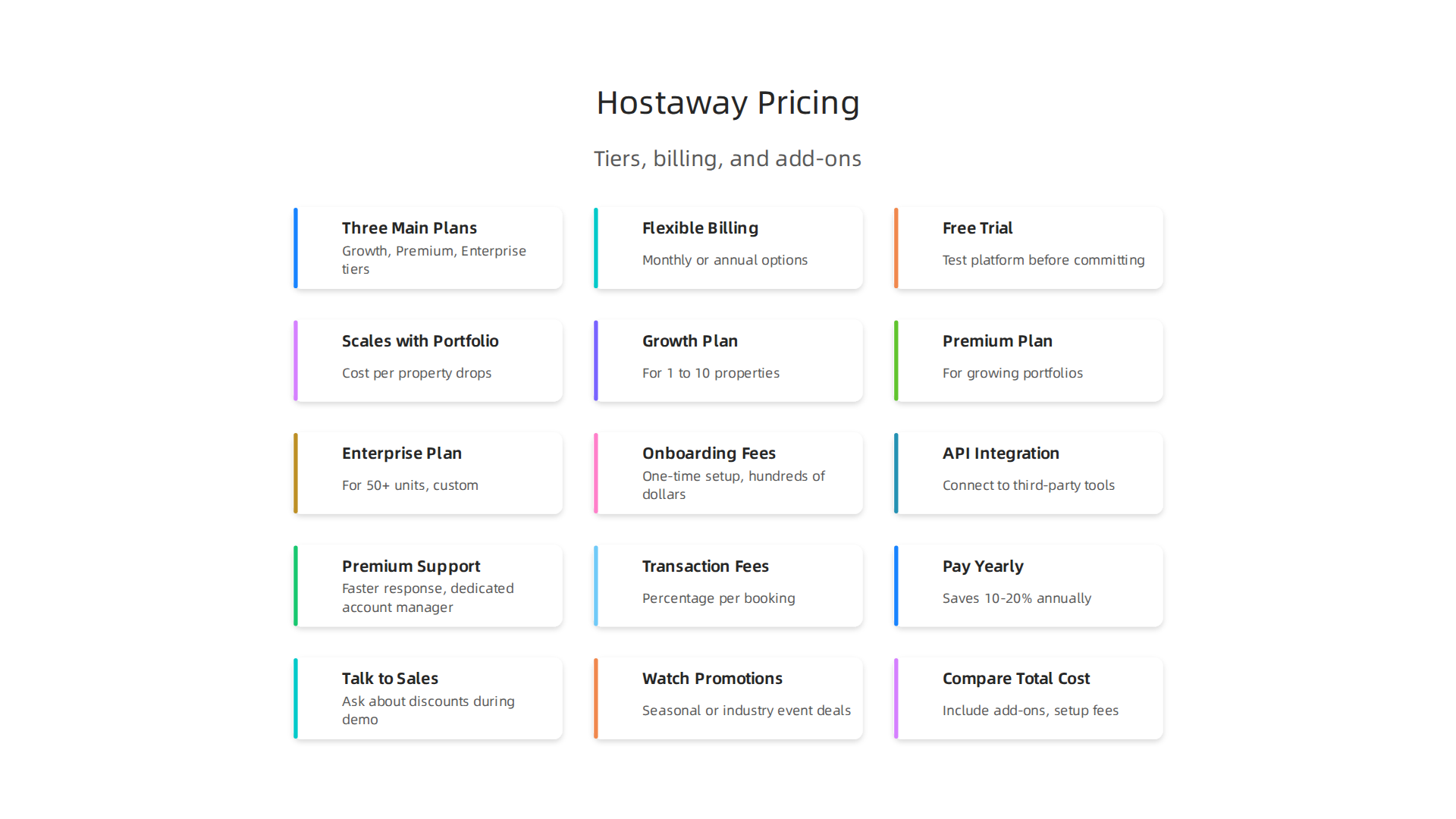
But to know your exact cost, you will need to talk to their team and ask about everything: monthly fees, setup charges, and any additional services.
Hostaway Pricing Plans: Detailed Breakdown
Hostaway offers three main plans to fit different business sizes.
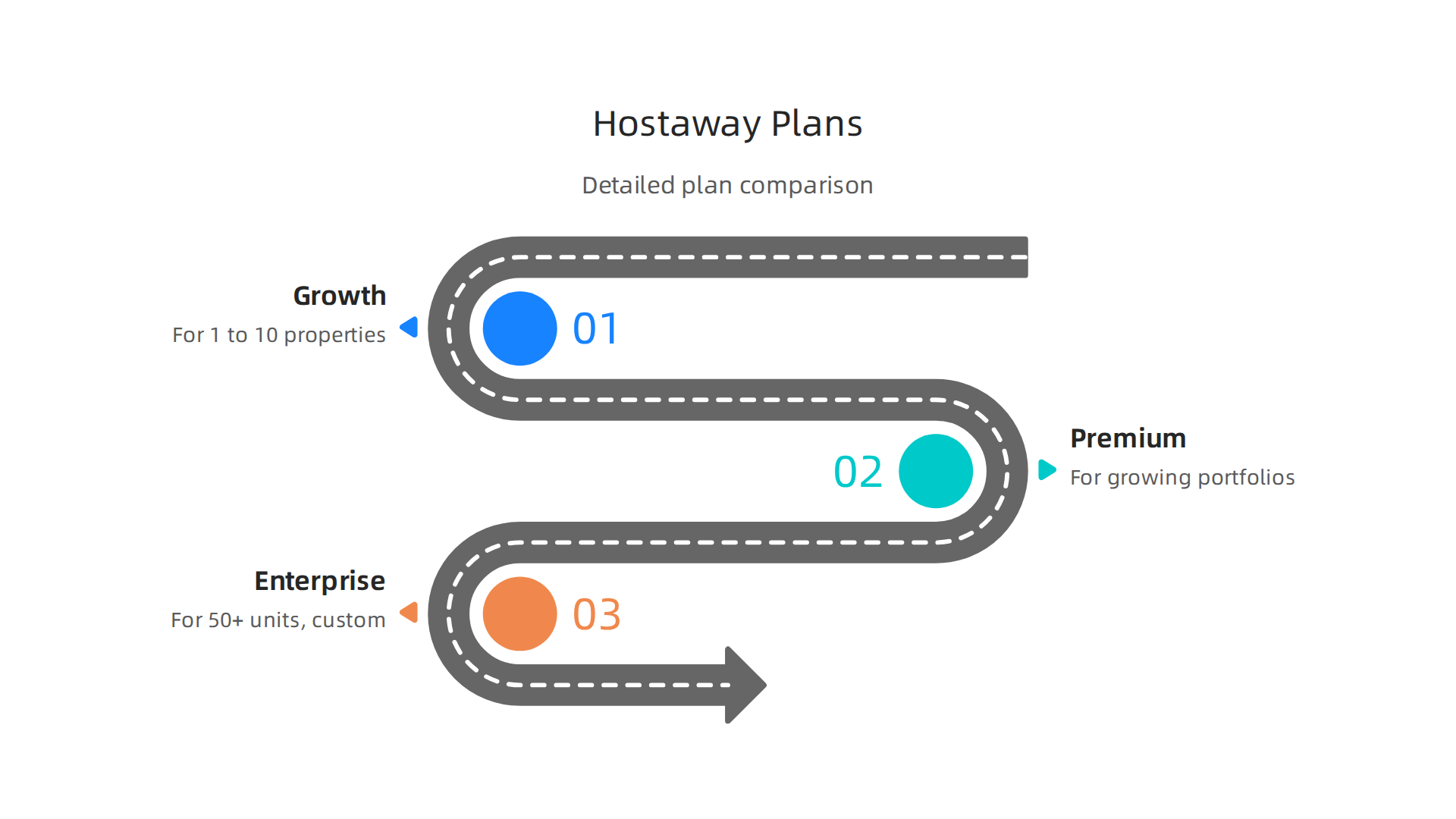
Each plan comes with a set of tools designed for a specific stage of growth. Let’s look at what each one includes.
Growth Plan (for smaller portfolios)
If you manage 1 to 10 properties, the Growth plan is likely your starting point. It covers the basics you need to run your vacation rental business. You get a channel manager to sync your calendars across Airbnb, Vrbo, and Booking.com. You also get automated guest messaging and a unified inbox for all your bookings. This plan helps you save time on routine tasks without paying for features you don’t yet need. According to the Hostaway pricing reviews and info on HotelMinder, setup fees can range from $100 to $500, and monthly fees often start around $40 per listing. The exact amount depends on how many properties you have.
Premium Plan (for growing portfolios)
Once your portfolio grows past 10 properties, or when you need deeper insights, the Premium plan makes sense. It includes everything in the Growth plan. On top of that, you get dynamic pricing tools. These tools automatically adjust your nightly rates based on demand, local events, and occupancy. This helps you earn more revenue without manually updating prices every day. The Premium plan also adds advanced reporting and analytics. You can track your performance across all channels in one place. You also get more integrations with third-party tools like smart locks and revenue management systems. This is the most popular plan for full-time property managers.
Enterprise Plan (for large operations)
For property management companies with 50 or more units, the Enterprise plan offers a custom solution. You get everything in the Premium plan but with higher limits and dedicated support. Hostaway assigns a dedicated account manager to help with setup, training, and ongoing questions. The per-unit cost drops significantly at this level. Some users report paying as little as $20 per unit per month. You also get priority access to new features and API access for custom integrations. This plan is built for scale.
Keep in mind that none of these plans have a fixed public price tag. You always need to request a custom quote. This is similar to how some DreamHost pricing models include hidden renewal jumps that you only see after signing up. The best approach is to ask about setup fees, monthly per-listing costs, and any add-on charges before you commit. That way, you can confidently choose the right plan for your business.
Comparing Hostaway to Competitors
Hostaway is a strong choice, but it is not the only option in 2026. Depending on the size of your portfolio and your specific needs, other platforms might be a better fit. Let us look at three main competitors: Guesty, Lodgify, and OwnerRez.
Guesty is built for larger operations. It offers more built-in features from day one, including advanced automation, native payment processing, and connections to over 60 booking channels.
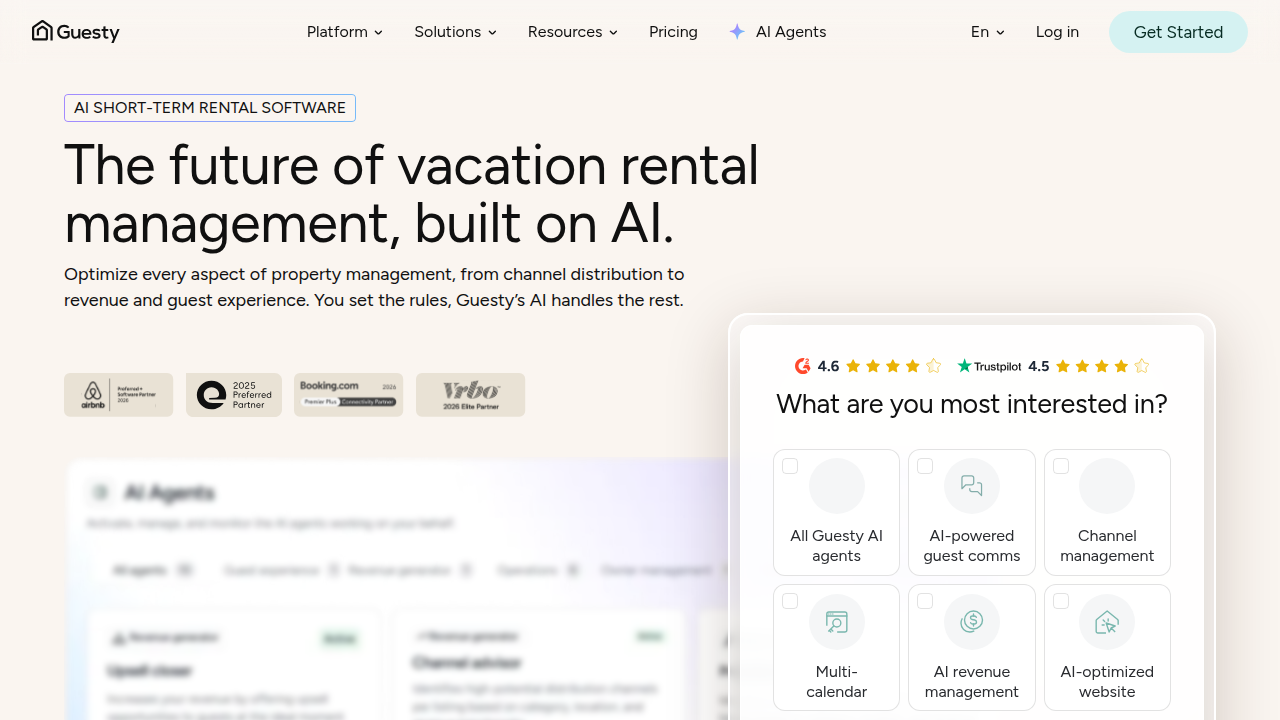
Because of this, its pricing starts higher than Hostaway’s. For a team managing 20 or more properties, Guesty can be a powerful all-in-one solution. According to a detailed Guesty vs Hostaway vs Lodgify comparison from Guesty’s own blog, property managers who switched from Hostaway to Guesty saw revenue gains. But for a smaller portfolio, the extra cost may not be worth it.
Lodgify is more affordable for small portfolios. Their tiered plans start as low as $14 per month for one property on annual billing. This makes Lodgify an attractive low-cost entry point. The catch is that Lodgify lacks some of the advanced automation tools that Hostaway offers. It also connects to only 12 channels, compared to Hostaway’s wide network. For a detailed look at what you get at each tier, check out the OwnerRez vs Lodgify pricing details that break down the monthly costs. If you expect to grow quickly, you may outgrow Lodgify sooner than you think.
OwnerRez uses a flat-fee per property pricing model. For mid-sized portfolios, this can be very cost-effective.
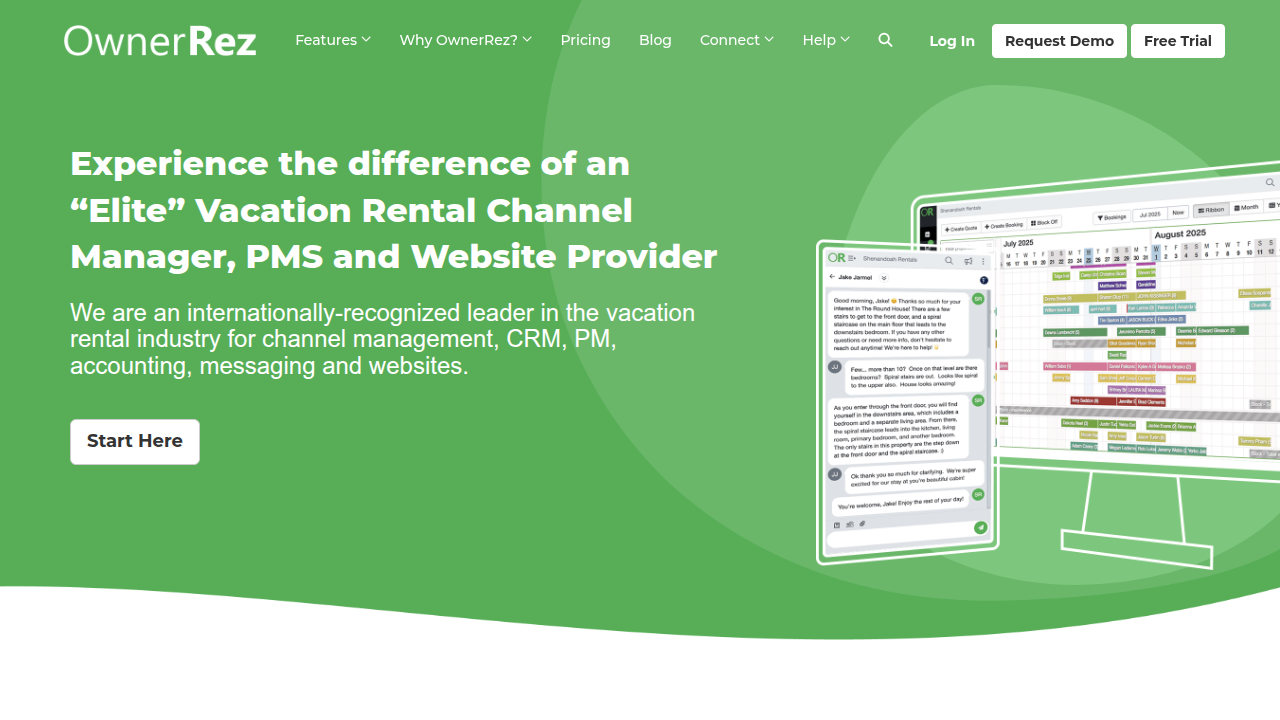
For example, the minimum fee is $40 per month for one property, but the per-unit cost drops as you add more. Ten properties cost much less per unit than Hostaway’s typical $40 to $50 per unit. However, OwnerRez has fewer integrations with third-party tools like smart locks and revenue managers. You can see how it stacks up against other options by reading the OwnerRez vs competitors overview on their site. If you need deep integration with many tools, Hostaway or Guesty may serve you better.
So how do you decide? Think about your current portfolio size and where you want to be in two years. Then, get custom quotes from each platform.

Just like when you compare pricing models and avoid hidden fees for web hosting, it pays to look at the full picture. Do not sign up based on a low starting price alone. Consider the setup fees, per-unit costs, and which features you truly need. Hostaway remains a solid all-around pick for growing portfolios, but Guesty, Lodgify, and OwnerRez each have strengths worth exploring.
Hidden Costs and Add-Ons
The base price you see on Hostaway’s pricing page is rarely the full picture. Like many software subscriptions, hostaway pricing can climb higher once you add onboarding fees, extra integrations, and payment processing costs. Let us look at what you might pay beyond the monthly rate.
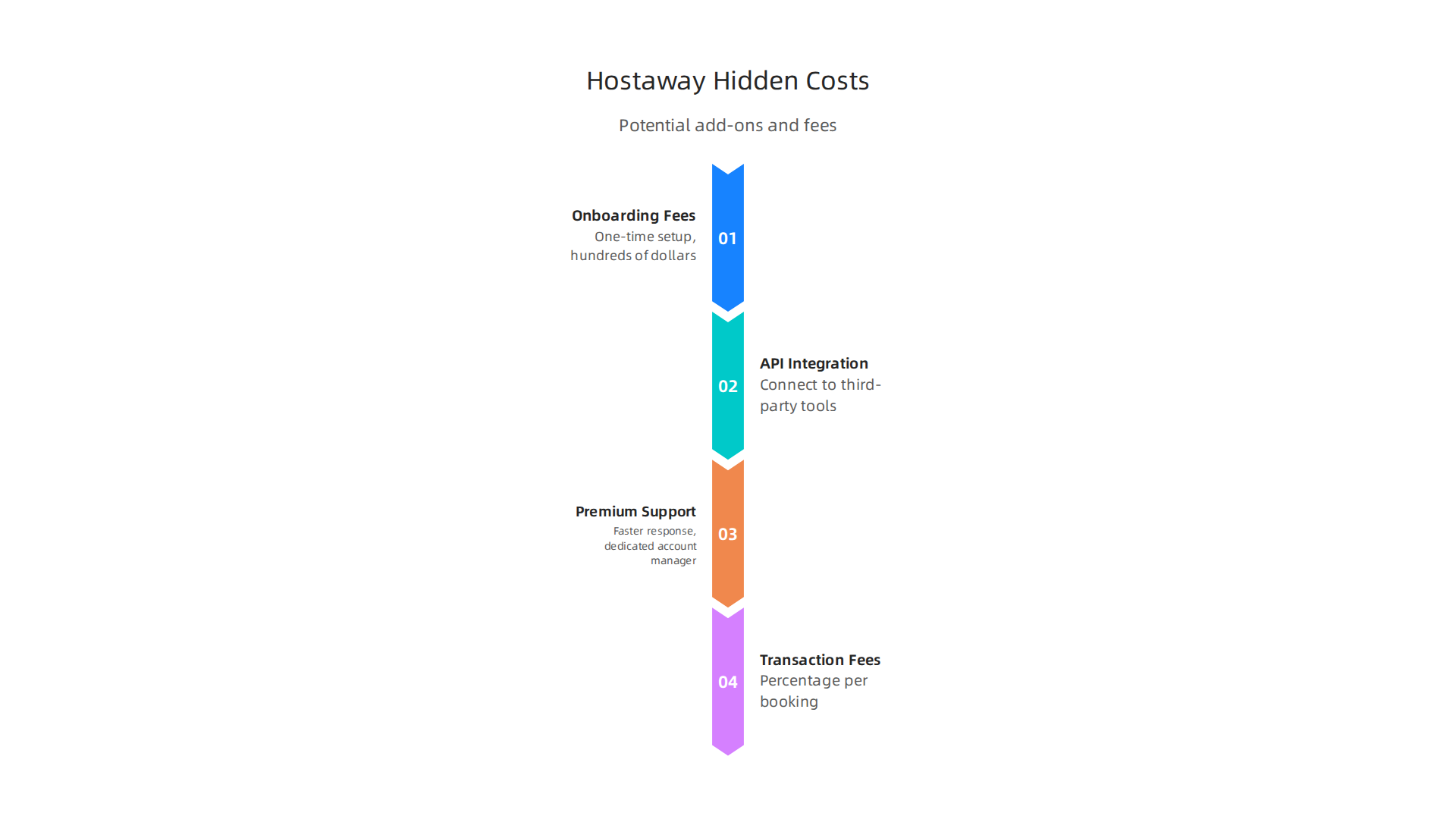
Onboarding and setup fees are one of the biggest surprises for new users. Some property managers report paying a one-time setup fee that can reach hundreds of dollars. For example, on a popular rental industry forum, hosts shared that Hostaway charged a $100 setup fee plus a monthly minimum that added up fast. You can read more about those real user experiences with Hostaway fees to see what people actually paid. Always ask your sales rep for a written breakdown of all setup costs before you sign.
API integration charges can sneak up on you too. If you want to connect Hostaway to third-party tools like smart locks, dynamic pricing tools, or accounting software, you may need to pay extra. Hostaway offers over 100 integrations, but some of them require a premium tier or an additional monthly fee. The same goes for premium support. The base plan includes standard support, but if you want faster response times or a dedicated account manager, that often costs more.
Transaction fees are another cost that depends on your region and plan. If you process guest payments through Hostaway’s system, you may pay a small percentage per booking. These fees eat into your profit margin, especially if you run a high-volume business. Check the fine print on payment processing before you commit.
When you add up all these extras, the true monthly cost can be 20% to 40% higher than the advertised rate. That is why it pays to calculate the total cost, not just the per-property fee. This is similar to what happens with web hosting plans. For instance, when you compare Site123 pricing hidden fees, you see the same pattern: low starting prices hide setup charges and upgrade costs. The lesson is the same — always look for the full cost, not just the headline number.
Before you pick a plan, ask the sales team for a full list of potential add-on charges. Make them put it in writing. That way, you will not get a surprise bill on month two.
Who Should Choose Hostaway?
Hostaway is not for everyone. If you manage a handful of properties, the monthly cost might feel too steep. But if you run a growing portfolio, it can be a great fit.
Property managers with 10 or more listings usually get the most value. At that scale, automation becomes crucial. Hostaway’s tools for booking management, guest communication, and channel syncing save hours each week. The Hostaway reviews from Mashvisor note that the platform is preferred for managers with four or more listings, but many experienced users suggest ten as the real sweet spot. The more listings you have, the more the per-property fee pays off.
Companies that need deep integrations also benefit. Hostaway connects with over 100 partners including Airbnb, Vrbo, Booking.com, and tools like PriceLabs. If you rely on multiple channels and third-party software, Hostaway’s integration library is a major advantage. A review on Hotel Tech Report describes the platform as built for operators scaling from 5 to 500+ properties, highlighting its versatility.
Smaller operators may want to look elsewhere. If you have just one or two listings, you can find simpler tools for much less. Hostaway’s base price starts around $50 per month per property, and with add-ons, it climbs higher. You do not want to pay for features you do not yet need.
Think of it like choosing web hosting. A small blog does not need a dedicated server. Similarly, a small host does not need enterprise-grade property management software. If you are still growing, you might start with a lighter tool and upgrade later. For example, reading about Godaddy hosting prices 2026 can show how matching your plan to your scale saves money. The same logic applies to hostaway pricing.
In short, if you have ten or more properties and want robust automation and integrations, Hostaway is worth the investment.

If you are smaller, compare your options carefully before committing.
Tips for Getting the Best Deal on Hostaway
Hostaway pricing can add up fast, especially if you have many properties. The good news? You do not have to pay full price. A few smart moves can lower your bill.
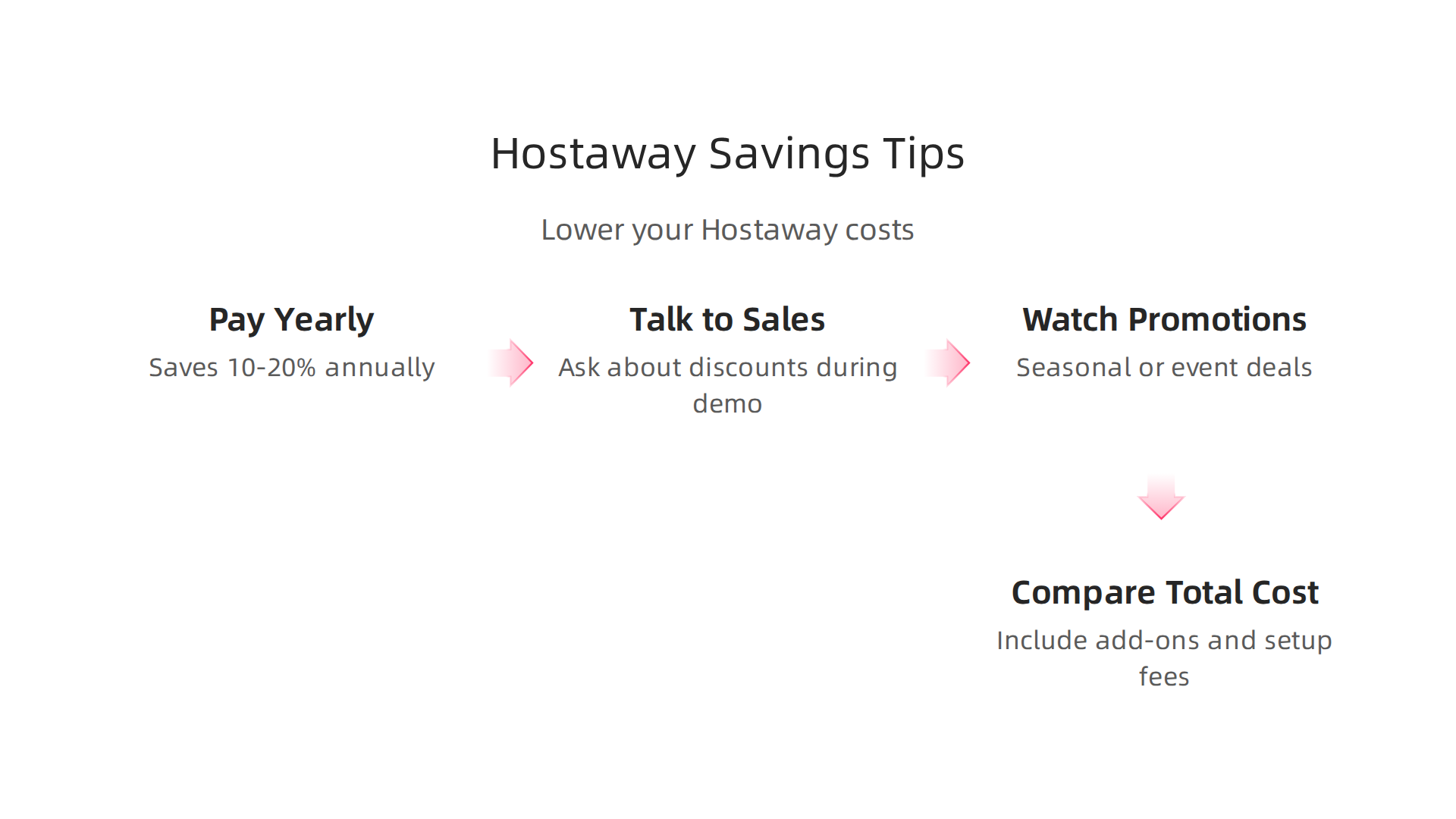
Pay yearly instead of monthly. Most software companies reward annual commitments. According to a comparison of top property management tools, annual billing typically saves 10-20% compared to paying monthly. That can mean hundreds of dollars back in your pocket each year.
Talk to sales during your free trial. Hostaway requires a demo call to get started. Use that conversation to ask about discounts. Many users report success by simply asking. A detailed comparison of booking tools notes that you can stack discount codes and negotiate directly with the sales team. Be polite but firm. If you are ready to sign up for a year, say so. Sales reps often have room to offer a better deal to close the deal.
Watch for seasonal promotions. Hostaway sometimes offers special pricing during industry events. For example, early-bird registration for their annual user conference often comes with savings. Keep an eye on vacation rental trade shows and online announcements. A quick search before you buy can uncover a limited-time code.
Compare the total cost, not just the base fee. Hostaway’s base price is just the start. Add-ons like dynamic pricing, onboarding fees, and extra user seats can increase your monthly total. Always ask for a full breakdown during the demo. The same principle applies to other subscription services. When you shop for web hosting cost, you check for hidden fees too. Learning about comparing web hosting pricing models to avoid hidden fees can help you apply that same careful thinking to property management software.
Bottom line: Do not accept the first quote. Negotiate, choose annual billing, and stay alert for promos. A little effort upfront can make hostaway pricing much friendlier to your budget.
Frequently Asked Questions About Hostaway Pricing
When you start looking at Hostaway pricing, a few questions pop up again and again. Here are straightforward answers to the most common ones.
Does Hostaway offer a free trial?
Yes, you can get a free trial, but it is not automatic. Hostaway requires a demo call first. During that call, you can request a trial period. According to a detailed review of the best vacation rental software for 2026, Hostaway will give you a trial upon request. That gives you time to test the platform before paying. This is similar to how many web hosting services offer trial periods, but always read the fine print. For example, understanding site123 pricing real cost can help you spot hidden setup fees that sometimes appear after a trial ends.
What is included in the Growth plan?
The Growth plan is one of the most popular options for property managers with up to 50 listings. It includes core features like channel management across 200+ booking platforms, automated messaging, a unified calendar, and reporting tools. However, some powerful extras cost more. For instance, the dynamic pricing add-on charges an extra monthly fee per listing. That fee varies by location and how many listings you activate. Always ask your sales rep for a full list of what is and is not included in the base price. This way you avoid surprises when the bill arrives.
Are there long-term contracts?
Hostaway does not lock you into a long-term contract. You can choose to pay monthly or annually. Annual billing comes with a clear benefit. According to a comparison of vacation rental software for 2026, annual billing typically saves you 10-20% compared to paying month by month. If you are unsure about committing, monthly billing gives you flexibility. But if you plan to use Hostaway for at least a year, the annual option is the smarter financial move.
Knowing the answers to these questions helps you compare hostaway pricing more confidently. The same careful thinking applies when you look at cpanel pricing for your website hosting or evaluate render web hosting plans. Always ask what is truly included before you sign up.
Conclusion
Deciding on a vacation rental management tool comes down to one big question: does the value match the price tag? For Hostaway, the answer depends on how well you understand the full cost before you sign.
Hostaway runs on a premium pricing model. That means you get powerful features like multi-channel management, automated messaging, and detailed reporting. But those tools only help your business grow if the monthly fee fits your budget. The real cost is not just the base plan. You also need to think about add-ons for dynamic pricing, extra user seats, and onboarding fees. According to a detailed market report on vacation rental software, subscription costs vary widely based on portfolio size and feature depth. Some small operators pay as little as $30 per month while large enterprises spend over $500,000 annually. Knowing where your business falls in that range helps you set realistic expectations.
The smartest way to approach hostaway pricing is to run the numbers for a full year.

Factor in everything from per-listing charges to potential add-ons. Then compare that total to what you would pay if you negotiated a custom quote or chose annual billing. Annual billing alone can save you 10 to 20 percent. That is real money you can reinvest into your operations.
If you are used to comparing subscription costs for other services, the same principle applies. Just like you would calculate your true web hosting cost before committing to a provider, you should do the same for your property management software. No two businesses have the exact same needs, so no single plan works for everyone.
When you are ready to take the next step with your online presence, remember that a fast and secure website is just as important as a smooth booking system. For dependable infrastructure that grows with you, explore what Prism Web Host offers for your business. Reliable hosting keeps your website running while you focus on managing properties and serving guests.
In the end, the best decision comes from clear numbers and honest comparison. Take your time, ask the right questions, and choose a solution that supports your growth without surprise costs. With the right approach to hostaway pricing, you can build a stronger, more profitable rental business in 2026 and beyond.
Summary
This article breaks down Hostaway pricing in 2026 so property managers can see beyond headline rates and avoid surprise bills. It explains the three main plans—Growth, Premium, and Enterprise—how billing and per-listing rates scale with portfolio size, and why Hostaway’s public pricing requires a custom quote. You’ll learn which features are included at each tier, common add-ons (dynamic pricing, API integrations, premium support), and the typical setup fees new users report. The piece compares Hostaway to competitors like Guesty, Lodgify, and OwnerRez, and shows when Hostaway delivers the best value. Practical guidance covers how to calculate total cost of ownership, negotiate discounts, and choose annual billing to save 10–20%. After reading, you’ll be able to request a full written quote, run a one-year cost model, and pick the right plan for your portfolio size and growth plans.
