




Grow Your Business with Strategic Online Directory Services
Article
Why online directory services matter for small businesses and brands
Think of online directory services as the modern-day phone book, but much more powerful. Instead of just a name and number, these online lists give customers lots of helpful information about businesses. They show what a business does, where it’s located, how to contact it, and even reviews from other customers. For small businesses and brands in 2026, using these services online is super important.
Businesses use online directory services to get seen by new customers. When someone searches for a local shop or service, these directories help them find you. For example, a restaurant might list its menu, hours, and address on a popular food directory. A plumber might list their services and contact information on a local business listing site. Actually, a lot of people trust online business listings as much as advice from friends when they’re looking for new services, with about 79% feeling this way Free/Paid Business Listing Sites Statistics 2026: Growth Trends. Getting your business listed can really boost your chances of being found by customers who are ready to buy.
Keeping your online listings strong and safe
When your business uses online directory services or even runs its own directory website, three things are very important: reliability, security, and hosting performance.
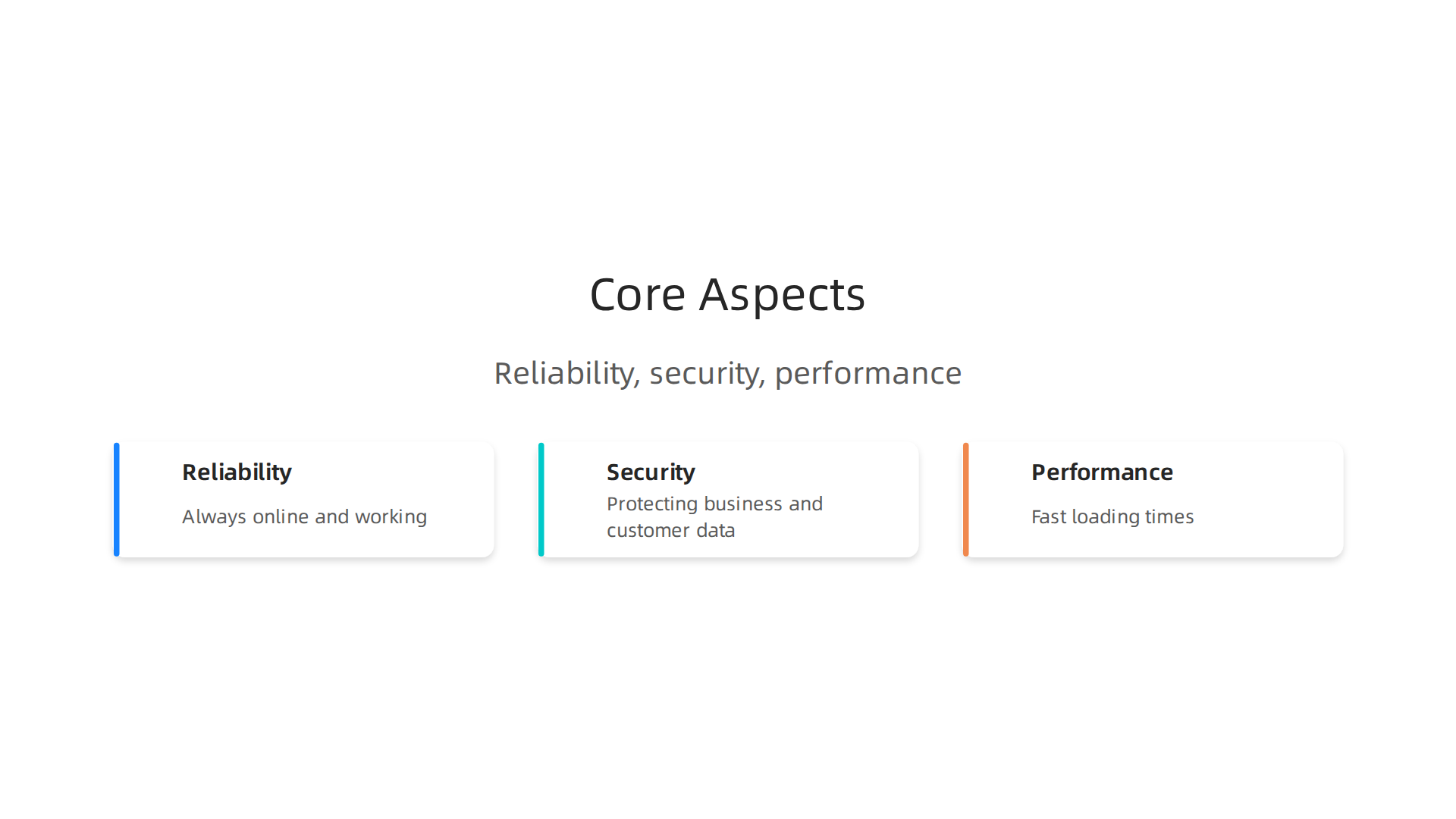
- Reliability: This means your website or your listing should always be online and working. If a customer tries to find your business and the website isn’t loading, they’ll just go somewhere else. A reliable service makes sure your information is always there for customers.
- Security: Protecting your business information and your customers’ data is a big deal. Bad actors online are always looking for weaknesses. Strong security measures keep your directory listings safe from hacks and protect private information.
- Performance: This means how fast your directory listings or your own directory site loads. No one likes waiting for a slow website. Fast loading times make customers happy and also help your business show up higher in search results. This is where choosing a good web hosting company comes in. You can learn more about how domain listings boost your SEO and drive more customers.
In this article, we’ll dive deeper into how online directory services work. We will show you how to choose the right platforms for your brand, explain the technical side of keeping your listings reliable and secure, and talk about how proper web hosting choices can boost your site’s speed and safety. By the end, you’ll know how to make smart choices for your business to stand out and reach more customers in 2026.

Let’s talk more about what online directory services really are. Simply put, an online directory service is a website or platform that lists information about businesses, people, or services. It’s like a big, organized database that helps users find what they are looking for. These services online have grown quite a bit. For instance, the market for directories, mailing lists, and other publishers was worth over $34 billion in 2026 alone, showing how important these platforms are for connecting people and businesses Directory Website Statistics 2026.
Different kinds of online directories
Not all online directories are the same. They come in many types, each with its own special way of working:
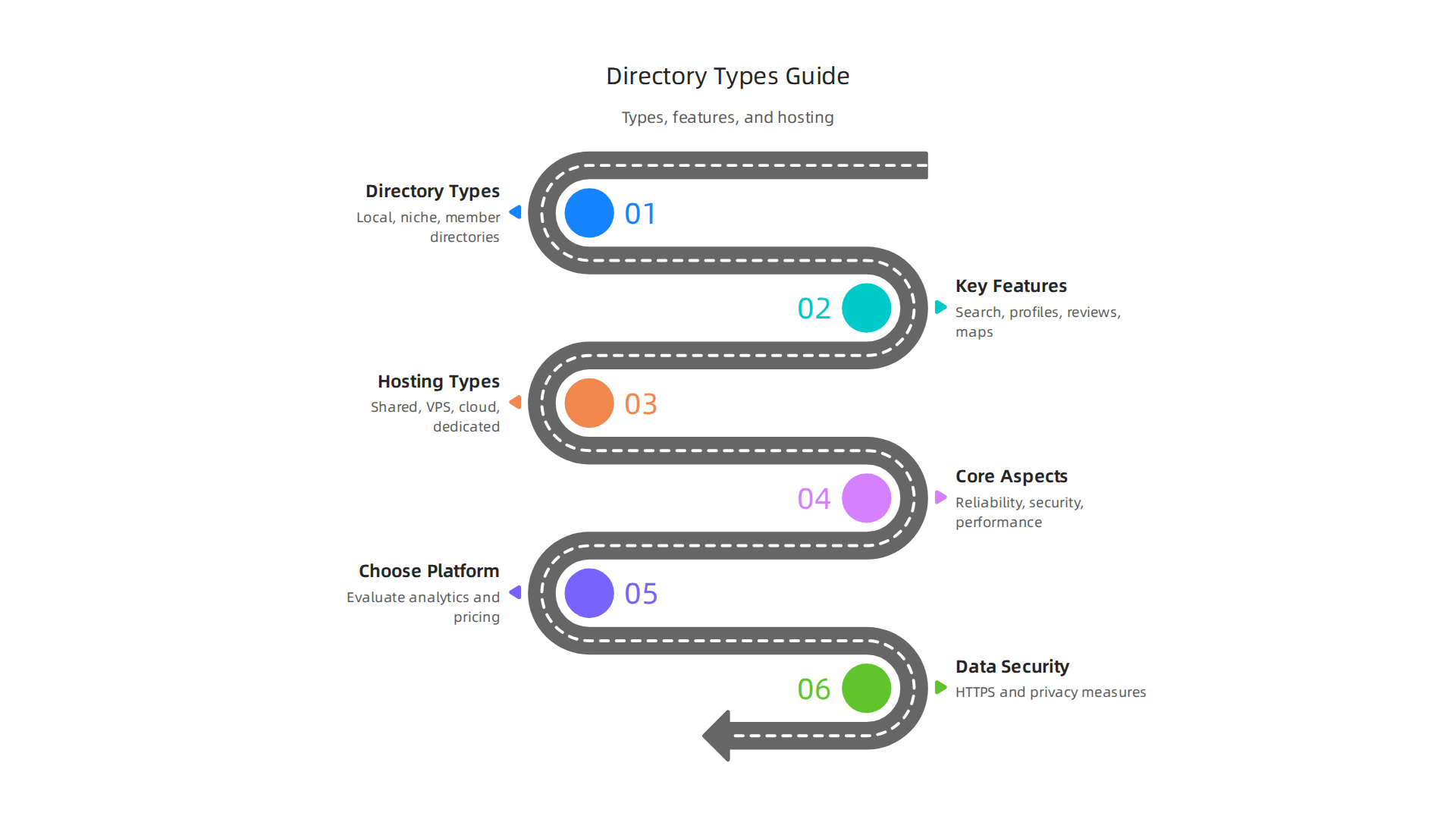
- Local Business Listings: These are probably the most common. Think of sites like Google Business Profile or Yelp. They help people find businesses close to them, like a restaurant or a hair salon. You can see their address, phone number, hours, and even customer reviews. In 2026, Google Business Profile still holds the biggest share of local searches, but niche directories are growing too Local Search Industry Survey 2026.
- Niche Marketplaces: These directories focus on a very specific area or industry. For example, there might be a directory just for organic farms, freelance writers, or even specialized medical services. They help people find experts or products in a focused field. Launching a directory in a popular niche can be a smart move in 2026 Top 10 Directory Niches to Launch in 2026.
- Member Directories: Many groups, like professional associations or alumni networks, have these. They list their members so people can find and connect with others in the same group.
Key features of online directory platforms
Most online directory services share some common features to make them useful:
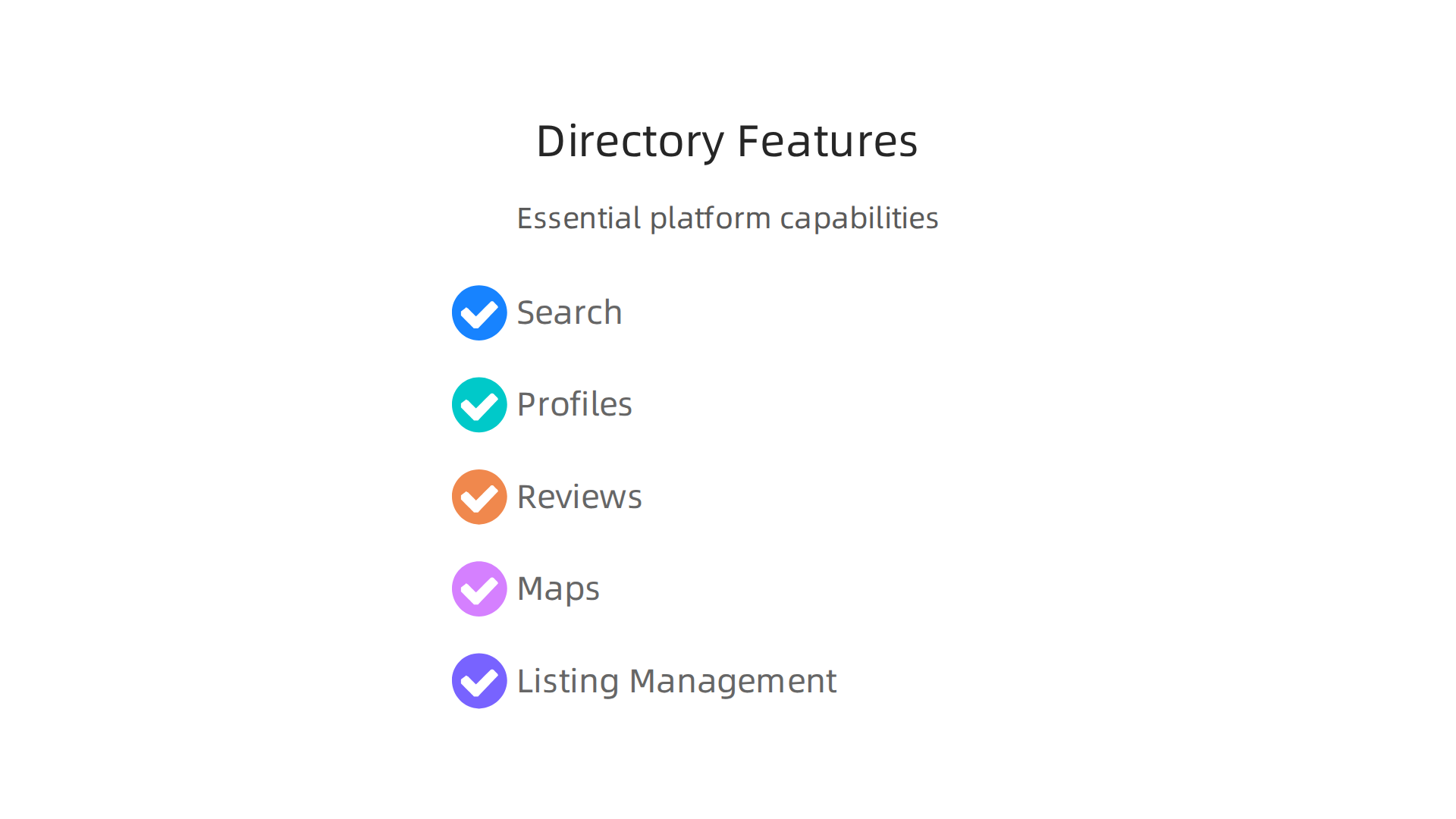
- Search and Indexing: This is the most important part. It lets users type in what they’re looking for and quickly find relevant listings.
- User Profiles: Businesses or individuals listed often have their own profile pages with details like contact info, descriptions, photos, and links to their own websites.
- Reviews and Ratings: Many directories allow users to leave comments and star ratings. This helps new customers decide if a business is a good fit.
- Maps and Location: Especially for local directories, showing a business on a map is super helpful for finding directions.
- Listing Management: Businesses need a way to add, change, or update their own information easily.
How data and user activity shape hosting needs
The amount of data a directory holds and how many people use it can really change what kind of web hosting it needs. A small directory with just a few listings won’t need as much power as a huge one with thousands of businesses and daily visitors. More listings, more photos, more reviews, and more users all mean more data traffic. This requires strong hosting that can handle everything without slowing down. Good web hosting services are designed to manage these different needs. Knowing what is web hosting services can help you pick the right one.
Choosing a hosting company that offers high performance, strong security, and can grow with your directory is key. If your directory or online service becomes very popular, you want to be sure it can keep up.
Prism Web Host provides reliable, secure, and high-performance website hosting infrastructure tailored for businesses and online brands. Our core offering focuses on enabling customers to effortlessly launch and maintain their websites with features like enterprise-grade security checks, isolated hosting environments, automated scalability, and point-in-time backups. Learn more about how we can help your directory thrive at Prism Web Host – Reliable Web Hosting for Online Directories.
Choosing the right platform for your online directory services is a big step.

Beyond just powerful hosting, the features of the directory software itself will make a huge difference in how well your service works and how easy it is to manage. In 2026, many good options are available, so knowing what to look for is key.
Making it Easy to Manage: Usability and Admin Controls
A good directory platform needs strong controls for you, the admin. Think about how you will handle all the listings.
- Listing Moderation: You need to be able to approve or reject new business entries. This keeps your directory clean and helpful.
- Bulk Import and Export: What if you have hundreds or thousands of domain listings to add at once? Or maybe you need to move them to a different system? A good platform lets you bring in or take out many listings at the same time. This is super handy for managing a lot of data. Some of the best directory software tools available today include features like these for easier management, which is important for managing domain companies 15 Best Digital Directory Software Tools (Tested & Reviewed).
- Custom Fields: Sometimes, you need to collect very specific information that regular listing fields don’t cover. For example, a directory for artists might need a field for "art style." Custom fields let you add these unique details.
Helping Users Find What They Need: Search and Discovery Features
The main point of an online directory is to help people find things. So, the search tools must be top-notch.
- Faceted Search: This means users can narrow down their search by many different choices. Imagine searching for a "restaurant" and then being able to choose "Italian," "outdoor seating," and "price range" all at once. This makes finding specific domain listings much faster.
- Relevance Ranking: When someone searches, the most helpful and important results should show up first. A smart platform knows how to rank listings so users see what they truly want.
- Geolocation Support: For local businesses, showing them on a map is a must. This feature lets users find services online near their current location, making your directory incredibly useful for local searches. Platforms that focus on local reach often offer detailed analytics to understand user behavior, which can affect pricing models Niche vs. General: The Economics of Directory Models in 2026.
Connecting Everything: Integrations, APIs, and Analytics
Your online directory likely won’t be the only tool your business uses. It needs to play nice with others.
- Integrations: This means the directory can connect and share information with other services online you use. Maybe you want it to link with your email marketing tool or your payment system. Good integrations make your work flow smoothly. Some top cloud directory solutions offer strong integration capabilities, for example, with Microsoft 365 or Google Workspace Best For Deskless And….
- APIs (Application Programming Interfaces): Think of an API as a special way for different software programs to talk to each other. If you need a custom connection or want to build new tools around your directory, an API is very important.
- Analytics: You need to know how people are using your directory. Analytics tools tell you what listings are popular, what people are searching for, and how long they stay on your site. This helps you make smart choices for your online directory services and grow your business.
Picking a directory platform with these features helps you offer a great service. It also makes your own job easier as you manage and grow your online presence. If you are looking to launch a website for your directory, getting the right hosting is also important. To learn more about good hosting options, you might want to read our guide on choosing a web hosting company.
Running a successful online directory is like building a strong house. The software and features are the rooms and furniture, but the hosting is the very foundation. Without solid hosting, your online directory services might struggle, no matter how good your software is. In 2026, choosing the right hosting means thinking about how much traffic you expect and how much data your directory will hold.
How Traffic and Data Affect Hosting Choices
Your hosting needs will change based on how many people visit your site and how many domain listings you have.
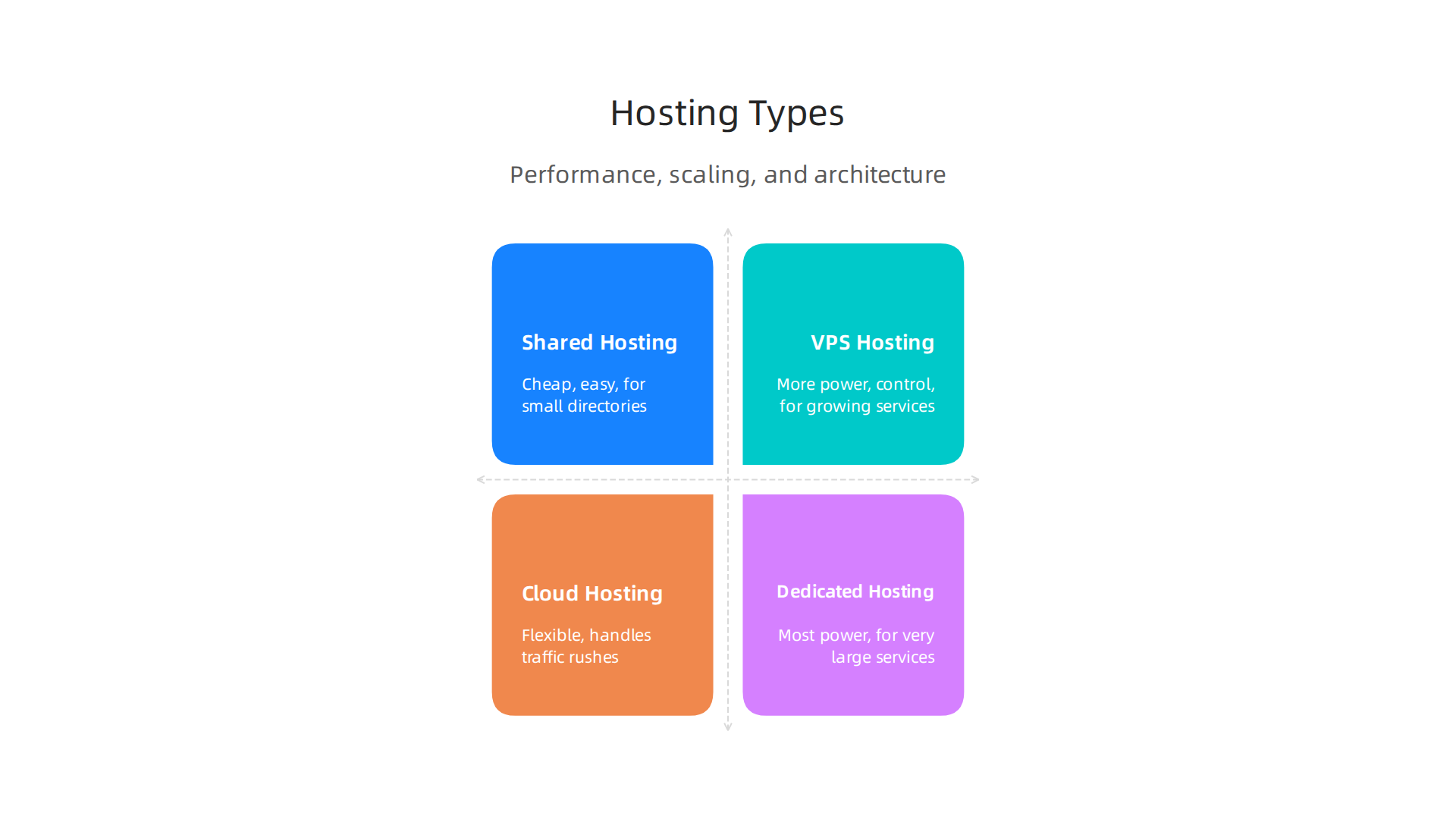
- Shared Hosting: This is like sharing an apartment building. Many websites live on one server. It’s cheap and easy to start, good for very small directories with few users and not many domain listings. But if your directory gets popular, it can slow down because of other websites on the same server.
- VPS (Virtual Private Server) Hosting: This is like having your own apartment in that building. You get a dedicated part of a server, giving you more power and control than shared hosting. It’s a good step up for growing online directory services that have more traffic and data.
- Cloud Hosting: Think of this as having many buildings available. Your website lives across many servers that work together. If one server is busy, another can step in. This is very flexible and can handle sudden rushes of visitors, perfect for large directories or if you expect big changes in how many people use your services online. It’s also great for hosting many domain companies.
- Dedicated Hosting: This is like owning the whole building. You get an entire server just for your directory. It offers the most power, security, and control. This is usually for very large, busy online directory services, like a major portal offering many Penndot online services, where performance is super critical.
Making Your Directory Fast: Performance Considerations
No one likes a slow website. For your online directory, speed is key. This is where performance features come in:
- Caching: This saves copies of your website’s pages and images. When someone visits again, the saved copy loads much faster. It’s like having frequently used items ready at hand. Caching can greatly reduce how often your database is queried, making things speedier The Relationship Between CDNs and Database Performance.
- CDNs (Content Delivery Networks): A CDN stores parts of your website on many servers around the world. When a user visits your site, the content is delivered from the server closest to them. This makes your online directory load much faster for everyone, no matter where they are. Benchmarks from 2026 show how important CDNs are for good website speed WordPress Hosting Benchmarks 2026: 24/7, 365 Days ….
- Database Tuning: Your directory stores all its domain listings in a database. Making sure this database is set up to work quickly and efficiently is very important, especially as you add more domain listings and domain companies.
- Page Load Optimization: This means making sure all parts of your website (pictures, code, etc.) are as small and efficient as possible so pages load super fast. A fast website offers better user experience and helps with search engine rankings for your online directory services. To get more info on how to pick a host that ensures your site loads quickly, check out our guide on Find the fastest WordPress hosting in 2026 to boost sales SEO.
Growing with Your Directory: Scaling Strategies
As your online directory gets bigger, your hosting needs to grow with it. This is called scaling.
- Vertical Scaling: This means making your existing server more powerful. You add more computer power (CPU), memory (RAM), or storage. It’s like upgrading your car engine.
- Horizontal Scaling: This means adding more servers to handle the load. Instead of one super powerful server, you have many regular servers working together. It’s like adding more cars to a fleet. This is often used in cloud hosting.
- Autoscaling: This is a smart feature where your hosting system automatically adds or removes servers based on how many people are visiting your site. So, if there’s a sudden burst of traffic, more servers kick in, and when it’s quiet, they turn off to save money.
- Managed Platform Services: For many business owners, dealing with all these technical details can be overwhelming. Managed hosting means a company takes care of all the server maintenance, updates, and scaling for you. This lets you focus on your online directory and its users.
Finding the right hosting that balances performance, cost, and scalability for your online directory services is a big choice.

It sets the stage for how well your business will grow.
At Prism Web Host, we understand these challenges for businesses running online directories. We offer robust and secure web hosting solutions designed to scale with your needs, ensuring your directory remains fast and available. If you’re looking for hosting that provides enterprise-grade security, automated scalability, and consistent uptime for your website, consider learning more about our services. Prism Web Host
Beyond speed and size, keeping your online directory safe is super important. Think of security as a strong lock on your house and compliance as following all the rules to keep everyone inside safe and sound. For any business offering online directory services, protecting user data and stopping attacks are top priorities in 2026.

Major Threats to Your Online Directory
Your online directory faces many dangers from bad actors on the internet. Knowing these threats helps you prepare.
- Account Abuse: This happens when someone gets into a user’s account without permission. They might try to take over accounts or get to private information. It’s important to prevent people from misusing access controls in web applications Preventing Web Application Access Control Abuse.
- DDoS Attacks (Distributed Denial-of-Service): These attacks try to flood your website with too much traffic so that real users can’t get through. It’s like too many cars trying to use a small road at once, causing a big jam. Your online directory services can slow down or stop completely. You need to understand how to handle these kinds of attacks Understanding and Responding to Distributed Denial-Of-Service Attacks.
- SQL Injection: This is a sneaky way for attackers to get into your database where all your important information, like domain listings, is stored. They can steal, change, or even delete your data.
- Data Leakage: This is when private user information or details about domain companies accidentally or purposefully get out to people who shouldn’t see it. Protecting personal data from web-based data services is a big concern Protecting personal data from untrusted web-based data services.
Smart Ways to Protect Your Online Directory
Luckily, there are many tools and ways to keep your online directory safe:
- TLS (Transport Layer Security): This is like sending your data in a sealed, private envelope. It encrypts the information going between your users and your website, keeping it safe from prying eyes. Always make sure your site uses HTTPS, not just HTTP, to secure data Website Security.
- WAF (Web Application Firewall): Think of a WAF as a guard standing at the entrance of your online directory. It checks all incoming traffic for bad stuff before it reaches your website, stopping many common attacks. These firewalls help with request and response validation Guidelines for API Protection for Cloud-Native Systems.
- Rate Limiting: This feature limits how many requests someone can make to your server in a certain amount of time. It helps stop DDoS attacks and other abusive actions by slowing down automated threats NIST SP 800-228A initial public draft, Guidelines for the Secure ….
- Secure Authentication: This means using strong passwords and things like two-factor authentication, where you need a code from your phone as well as your password to log in. This makes it much harder for someone to break into accounts.
- Role-Based Access Control: Not everyone needs to see or do everything on your site. This system gives different users only the permissions they need for their job. For example, a regular user can’t change domain listings like an admin can. This helps stop account abuse.
When picking your hosting, remember that security is key. A good host will have many of these protections built in. To choose the best web hosting company that focuses on security, you’ll want to review their services carefully. Learn more about choosing a web hosting company a business guide to speed and security.
Following the Rules: Compliance and Regulations
In 2026, operating an online directory means you also need to follow rules about how you handle user data. These rules are called compliance.
- Protecting User Data: If your directory collects personal information, like names, emails, or even payment details for your services online, you must keep it safe. This means using strong encryption, having good data privacy policies, and making sure your systems are regularly checked for weaknesses. Websites holding personal data have a duty to classify it based on how sensitive it is Protect Data Everywhere – OWASP Developer Guide.
- Regional Regulations: Different places have different laws about data privacy. For example, some regions might have strict rules like GDPR (General Data Protection Regulation) for businesses handling data from their citizens. You need to know which rules apply to your online directory services and make sure you follow them. This might include how you display domain listings or handle user accounts.
- Secure Coding Practices: Your online directory software itself needs to be built with security in mind. This means making sure developers follow secure coding practices to prevent common flaws that attackers can use.
Choosing hosting that supports these security features and helps you meet compliance needs is crucial. It protects your users and keeps your business safe and trusted.
Keeping your online directory running smoothly all the time is just as important as keeping it safe. Think of it like this: your online directory services need to be open for business 24/7. This means your website should almost never go down.
Keeping Your Directory Always On
When you run an online directory, you want what’s called high "uptime." This means your website is working and available to users most of the time. Many hosting companies promise 99.9% uptime, which means your site should be down for only a few hours a year. For important sites, like those listing domain companies or offering other critical services online, you might even want 99.99% uptime.
To make sure your online directory stays up, you need to watch it closely. This is called monitoring. Monitoring tools check your website regularly, sometimes every 1 to 5 minutes, to see if it’s working. If something goes wrong, like your login page stops loading, these tools send alerts right away. This way, you can fix problems quickly and keep your downtime low. Businesses should aim to track how often their backups succeed, targeting 98% or higher MSP Reliability Scorecard for SMBs in 2026. When choosing a hosting company, look for one that measures uptime from a user’s point of view and alerts you before you miss your uptime goals 99.9 vs 99.99 SLA Downtime: Exact Minutes & Hours Table.
How to Get Your Directory Back After a Problem
Even with great security and monitoring, bad things can happen. This is where backups and disaster recovery come in.
-
Backup Strategies: Backups are copies of all your important information, like user accounts and domain listings. You need to save these copies often.
- Snapshots: These are like quick photos of your entire website and its data at a certain moment. If something breaks, you can use a snapshot to go back in time to a working version.
- Point-in-Time Recovery: This lets you restore your data to a very specific moment, even down to a few minutes before an issue happened.
- Offsite Retention: It’s super important to store your backups in a different place than your main website. Imagine if a natural disaster hit your server location; having backups far away means your data is still safe. A good rule is to have three copies of your data, on two different kinds of storage, with one copy kept in a totally separate place What Is Disaster Recovery? a Guide for Australian SMBs. You should also test your backups regularly by restoring a single file each month and a full website each quarter The Ultimate Business Backup Guide For Australian SMBs.
-
Disaster Recovery (DR) and Incident Response: This is your plan for what to do when something big goes wrong, like a major server failure.
- Recovery Objectives: You need to decide how much downtime you can handle (Recovery Time Objective, or RTO) and how much data you can afford to lose (Recovery Point Objective, or RPO). For example, if your online directory services can’t be down for more than an hour, that’s your RTO. If losing more than 30 minutes of data is too much, that’s your RPO. These targets help you choose the right backup methods RPO and RTO Explained: Disaster Recovery Guide 2026.
- Operational Runbooks: These are step-by-step guides for your team to follow when a problem occurs. They help reduce panic and ensure everyone knows what to do to get your online directory back online quickly. This includes knowing who to call, what passwords to use, and how to switch to a backup system. It also means making sure your backups are "immutable," which means they can’t be changed or deleted by accident or by an attacker Enterprise Backups & Disaster Recovery Hosting Guide.
Choosing a web hosting provider like Prism Web Host — Reliable Web Hosting for Online Directories that understands these needs is key. They offer features like isolated hosting, point-in-time backups, and strong DDoS protection to keep your business-critical online directory running smoothly. You can also explore how to check Epic Online Services status prevent downtime boost security for more tips on staying active online. By planning for uptime, backups, and disaster recovery, you protect your domain listings, your users, and your business’s good name in 2026.
When you run an online directory, thinking about money is super important. You want to make sure you get good services online without spending too much. This means understanding how hosting companies charge for their help. In 2026, there are a few main ways they price things for your online directory services.
How Hosting Plans Are Priced
- Pay-as-you-go: This is like paying for what you use, just like your electricity bill. If your online directory gets a lot of visitors or uses a lot of data, you pay more. If it’s a quiet month, you pay less. This can be good for new businesses because you don’t pay for things you don’t need yet.
- Reserved Capacity: With this plan, you buy a certain amount of service ahead of time. It’s like buying a yearly gym membership instead of paying for each visit. This often costs less in the long run if you know your online directory will grow.
- Tiered Plans: Many hosting companies offer different levels, like "Basic," "Pro," or "Enterprise." Each level comes with a set of features and limits, like how much storage you get or how many domain listings you can have. You pick the tier that fits your needs best. For example, some directory software charges vary widely, from basic solutions at $20-50/month to enterprise tools over $150/month or even more, depending on features and user count 15 Best Digital Directory Software Tools (Tested & Reviewed). These types of plans are common for directory services, allowing businesses to choose based on their growth How Much Do Directories Charge? 5 Pricing Models & Factors to ….
Choosing the right pricing model helps you plan for how your online directory will grow. You don’t want to get stuck with a plan that costs too much for what you need or one that doesn’t offer enough as your business gets bigger.
Estimating Your Total Costs
When you think about the money for your online directory, it’s not just the basic hosting fee. You need to look at the "Total Cost of Ownership," or TCO. This means adding up all the little costs that make your online directory work.
Here are some things to think about for your directory project:
- Hosting: This is the main cost for keeping your website online. Prices can change a lot depending on the type of hosting you pick and the features it offers.
- CDN (Content Delivery Network): A CDN helps your website load faster for people all over the world. It stores copies of your website in many places. This isn’t always included in basic hosting and can be an extra cost.
- Storage: The more domain listings and user data you have, the more storage you need. Make sure to check storage costs as your directory grows.
- Backups: Keeping copies of your data is super important, as we talked about before. Some hosting plans include basic backups, but you might need to pay more for advanced backup features, like faster recovery options or more storage for your copies.
- Support Costs: Sometimes you need help. Good customer support can cost money, especially if you need quick help for important issues.
It’s important to look at all these parts to truly understand your budget for online directory services. To avoid surprises, you should learn to calculate your true web hosting cost and understand all the fees involved.
Tips for Growing and Saving Money
As your online directory services grow, you might want to look for ways to save money or get better deals.
- Reserved Instances and Committed Usage: If you know you’ll need certain resources for a long time, like a server or a lot of storage, you can often get a discount by committing to use them for a year or more. This is like getting a bulk discount.
- When to Change Plans: Keep an eye on your usage. If your online directory is using much more or much less than your current plan allows, it might be time to move to a different tier or switch providers. Many businesses face challenges with costs and how complex it is to set up advanced directory solutions, which sometimes makes them delay adopting better tools Directory Software Market Outlook, Size & Growth (2026–2033). Don’t be afraid to ask your hosting provider about different options. You can also compare pricing models and avoid hidden fees to master your web hosting cost in 2026.
Thinking carefully about these costs and how you plan to grow will help your online directory succeed without unexpected financial surprises.
Summary
This article explains why online directory services are essential for small businesses and brands in 2026, acting as modern, searchable business listings that drive discovery and trust. It covers the main directory types — local listings, niche marketplaces and member directories — and the platform features that matter, such as search, profiles, reviews and integrations. The piece then ties those features to technical needs: how data volume and user activity affect hosting choices, from shared to cloud and dedicated servers. You’ll learn practical performance tactics (caching, CDNs, database tuning), security controls (TLS, WAF, rate limiting, role-based access), and compliance considerations. The guide also explains uptime, monitoring, backup strategies, and recovery objectives so you can plan for real incidents. Finally, it breaks down common hosting pricing models and total cost factors to help you choose a provider that balances speed, security, and scale. After reading, you’ll know how to pick platforms, hosting, and protections that keep your directory fast, safe, and cost-effective.
