




GoDaddy Website Builder Pricing Avoid Hidden Fees and Renewal Surprises
Article
Why GoDaddy Website Builder pricing matters for SMBs and entrepreneurs
If you run a small business or are starting something new, having a website is super important in 2026. It’s like having an online store or office that’s always open. But figuring out how much a website will cost can feel a bit confusing. Many people think about using the GoDaddy Website Builder because it’s a well-known name.
However, choosing a website builder isn’t just about picking the first one you see. You need to really understand the GoDaddy Website Builder pricing. This helps you balance what you pay with the features you get. Small businesses and entrepreneurs need a website that works well today and can grow with them tomorrow, without breaking the bank.

For example, GoDaddy offers plans that start as low as $9.99 per month, but costs can go up to $34.99 per month for more advanced options, and there’s even a free plan for very basic needs in 2026 2026 GoDaddy Review: Still a Good Option for Small Businesses?.
Sometimes, what looks cheap at first might become expensive later. This article will help you understand the full picture of GoDaddy cost. We will look at the different GoDaddy Website Builder plans, how billing cycles work, and what hidden fees you should watch out for.

We will also share smart tips to help you save money on GoDaddy prices. By the end, you will know how to make a wise choice for your business and avoid surprises. Getting a clear idea of the real GoDaddy website cost is key to building your online success.
To really understand GoDaddy Website Builder pricing, it helps to see how all the pieces fit together. GoDaddy offers a few plans, from completely free to more powerful options, and how you pay can change the final cost.
GoDaddy Website Builder Plans and What They Offer
GoDaddy wants to help everyone, so they have different plans for different needs.
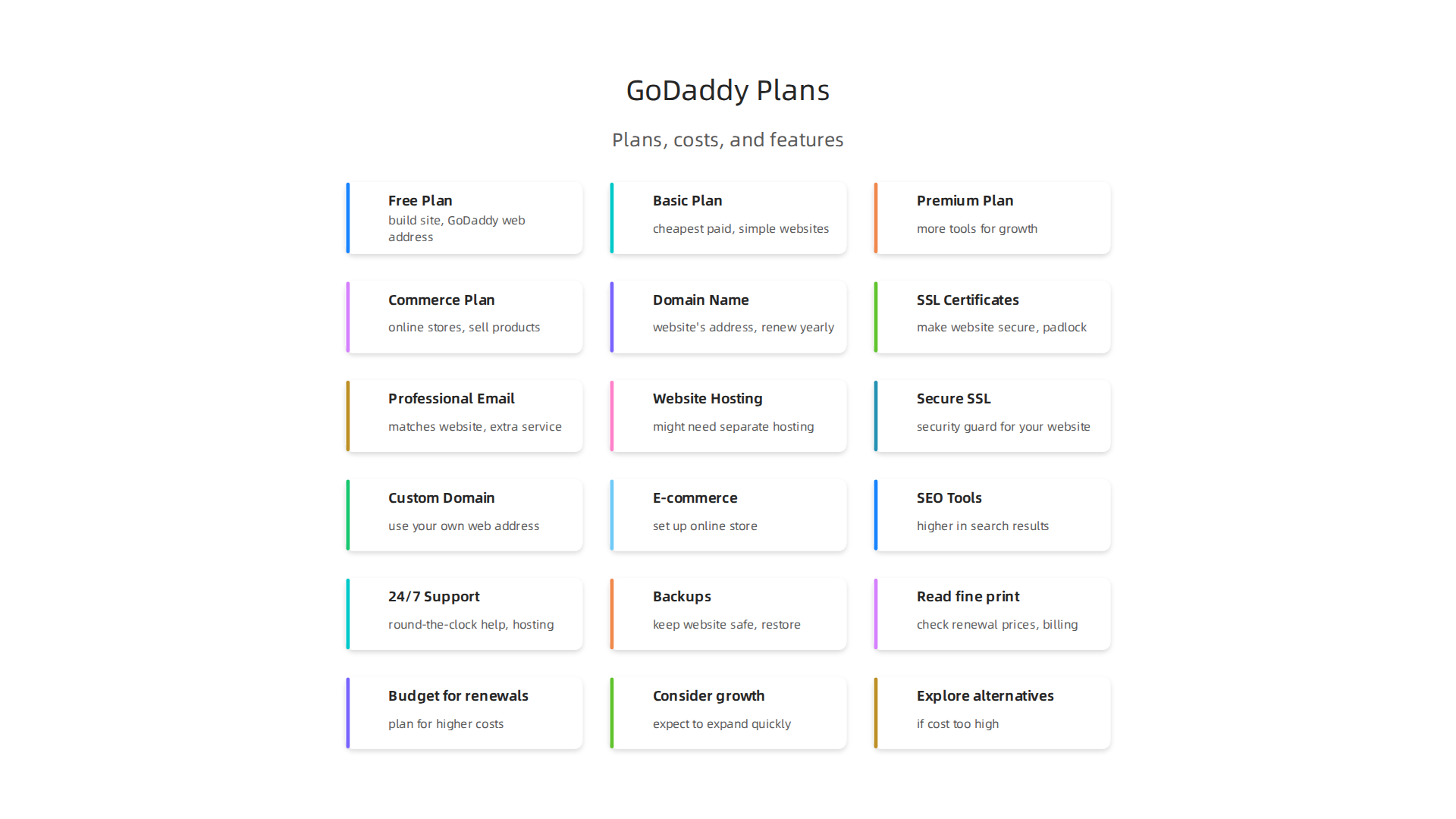
- Free Plan: You can actually make a website for free with GoDaddy. This plan lets you build a site and use a GoDaddy web address. It’s a great way to start, but your site will show GoDaddy’s branding. You also get a 7-day free trial of their premium features without needing a credit card GoDaddy Pricing 2026: Total Cost & Competitors.
- Paid Plans: Beyond the free option, GoDaddy has plans like Basic, Premium, and Commerce.
- The Basic plan is often the cheapest paid option, starting around $9.99 per month when billed yearly in 2026. This plan is good for simple websites that don’t sell things.
- The Premium plan costs a bit more, usually around $14.99 per month, and adds more tools for business growth.
- The Commerce plan is for online stores and businesses that need to sell products directly from their website. This plan can cost about $20.99 per month. You can find more details on these levels in the GoDaddy Website Builder Pricing 2026 guide.
These prices are often for when you pay for a whole year at once. It’s important to remember that paying monthly might cost a bit more.
How Billing Works and What About Renewals?
When you look at GoDaddy cost, how you choose to pay makes a big difference. Most people choose to pay annually, meaning once a year. This often gives you a lower price than paying month-to-month.
However, a big thing to watch out for with GoDaddy prices is the renewal rate. The first year’s price is usually a special, lower price to get you started. But after that first year, the cost can jump up. For example, some plans can see prices rise by 40-60% after the first year Key Features. It’s like a good deal ends, and you start paying the regular price. This means the true GoDaddy Website Builder pricing might be higher than what you first see.
If you change your mind, GoDaddy does have a refund policy. For annual plans, you usually have 30 days to ask for your money back. For monthly plans, it’s often a shorter time, like 48 hours GoDaddy Refund Policy.
Hidden Costs and Important Add-ons
The stated GoDaddy Website Builder pricing is usually just for the builder itself. But to have a full, working website, you often need other things that add to the total GoDaddy cost.
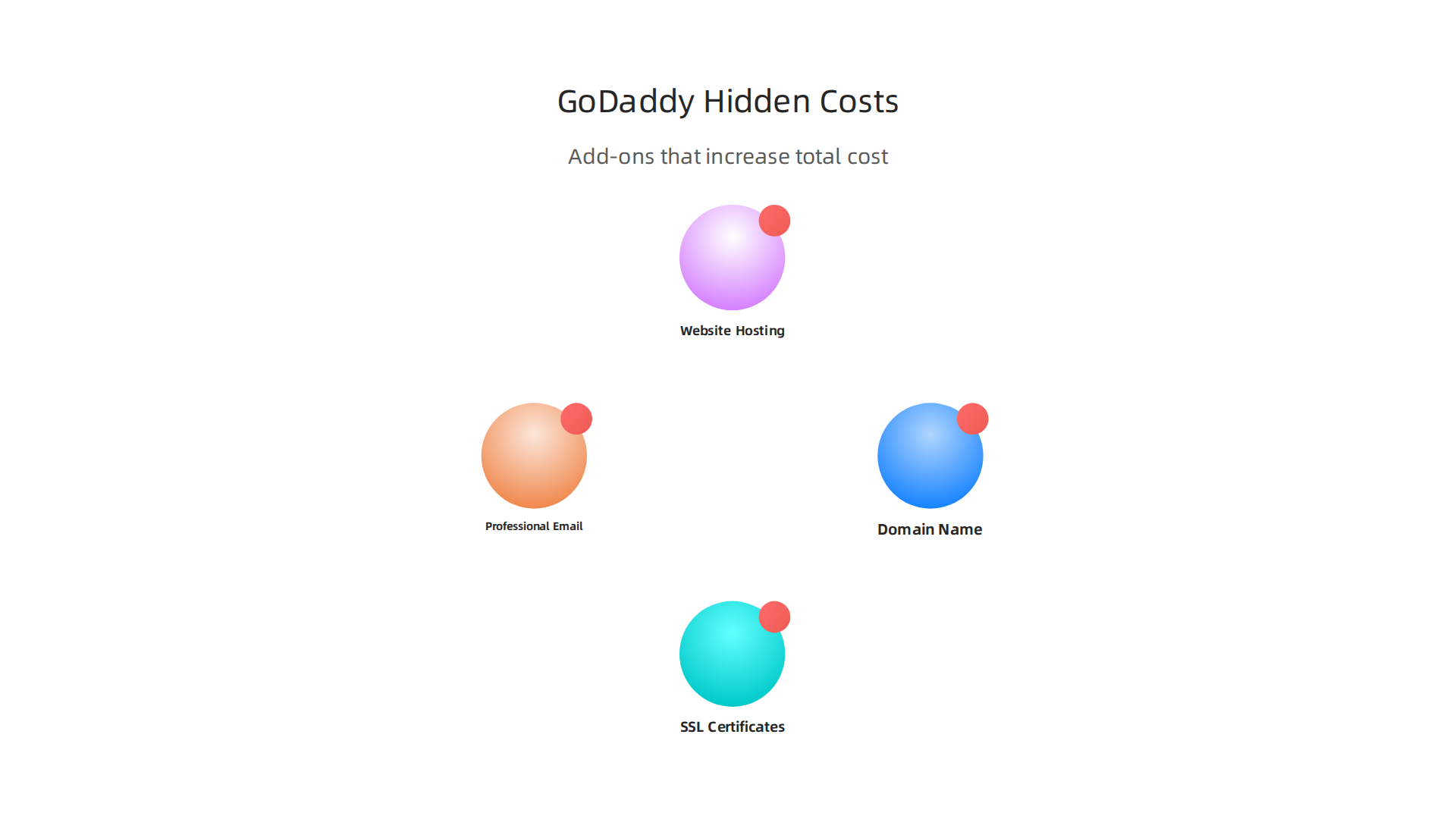
Here are some common extra costs:
- Domain Name: This is your website’s address, like yourbusiness.com. While GoDaddy often gives a free domain for the first year with a paid plan, you’ll need to pay to renew it each year. A .com domain might be around $11.99 for the first year, but renewals can go up to $22.99 per year or more GoDaddy pricing (2026): plans, free tier & compliance · The Front Desk Review. Learning about the real GoDaddy domain renewal price can help you plan.
- SSL Certificates: These make your website secure, showing a little padlock icon in the browser. They are super important for keeping your visitors’ information safe, especially if you have an online store. Sometimes an SSL certificate is included, but often it’s an extra cost you’ll need to budget for. Understanding GoDaddy SSL Certificate Cost 2026 can prevent surprises.
- Professional Email: If you want an email address that matches your website, like info@yourbusiness.com, that’s usually an extra service.
- Website Hosting: While the GoDaddy Website Builder plans include hosting, if you decide to use a different kind of website platform, you might need separate web hosting. You can learn more about GoDaddy Hosting Cost to see how those prices work.
Looking closely at all these parts of the GoDaddy cost will give you the most accurate picture of what you’ll really pay for your website. It’s smart to add these up when you think about your full budget.
Now, let’s take a closer look at each GoDaddy Website Builder plan. Knowing what each tier offers helps you pick the right one for your specific needs and avoid unexpected GoDaddy cost. Remember, the prices mentioned are generally for when you pay for a whole year at once, and renewal rates can be higher.
Here’s a breakdown of the main plans and what they include:
Free Plan
The GoDaddy Website Builder offers a free plan that’s perfect for anyone just starting out. With this plan, you can build a basic website and get a web address that includes "godaddy" in it. It’s a great way to try out the builder and get your feet wet online without spending any money. However, your site will show GoDaddy’s branding, and you can’t use your own special domain name. This plan is best for very simple personal pages, trying out an idea, or temporary online spots where you don’t need a professional look or custom web address yet. Many people use it to test if a website builder GoDaddy offers is right for them.
Basic Plan
If you want a more professional online presence, the Basic plan is a popular choice. It typically starts around $9.99 per month when you pay for a full year. This plan is ideal for simple websites, personal blogs, or online portfolios. It takes away GoDaddy’s branding and lets you connect your own custom domain name, like yourname.com. You also get important features like a secure SSL certificate, which keeps your website safe for visitors. Other tools included are email marketing and social media features to help you connect with people. This plan is a good step up for personal sites or small businesses that just need an online brochure. Many experts agree it’s great for these types of simple online needs Ecommerce Functionality.
Premium Plan
For small businesses that offer services and need more advanced tools, the Premium plan is usually a better fit. This plan costs about $14.99 per month when billed annually. It includes everything in the Basic plan and adds key features for growing your business. A big plus for service providers is the ability to let customers book appointments online right from your website. It also comes with more robust marketing tools and ways to link your site to social media, which helps you reach a wider audience. This GoDaddy Website Builder pricing tier is perfect for consultants, salons, or any business that relies on scheduling services.
Commerce Plan
If your goal is to sell products online, the Commerce plan is designed for you. With an annual payment, this plan is usually around $20.99 per month. It provides everything you need to set up a fully working online store. You can list your products, handle payments securely, and even sell directly through your social media pages. This plan is essential for any business looking to run an e-commerce store and makes managing your online shop simple. When considering your overall GoDaddy cost, remember that this plan includes all the tools for selling, but you’ll still need to factor in potential transaction fees. For businesses that outgrow basic website builders or need more control and scalability for their online store, dedicated hosting might become a consideration. Prism Web Host — Web Hosting & Services offers reliable and secure hosting solutions designed to help businesses grow without technical headaches.
Understanding these different GoDaddy prices and what each plan includes will help you make a smart decision for your website. You can create fast and secure websites in 2026 with the right GoDaddy Website Builder plan.
Now that you know the general GoDaddy Website Builder pricing for each plan, let’s look closer at the actual features you get. This will help you understand where your money goes and what key tools become available at different price points. Knowing these details can also help you understand the full GoDaddy cost.
Important Features You Get
It’s smart to compare plans based on what your business truly needs.
Here’s a rundown of common features and which GoDaddy Website Builder plans usually include them:
- Secure SSL Certificate: This is like a security guard for your website. It keeps your site safe and tells visitors your page is trustworthy. The good news is that starting with the Basic plan, you usually get a secure SSL certificate included. This is a must-have for any professional website in 2026. If you’re wondering about the cost of this important security feature, you can learn more about GoDaddy SSL certificate cost.
- Custom Domain Name: While the Free plan makes you use a "godaddy.com" web address, paid plans let you use your own, like "yourbusiness.com." This makes your brand look much more professional. Most paid plans, starting with Basic, let you connect your unique domain.
- E-commerce and Online Payments: If you want to sell products online, this is a big one. The ability to set up an online store and accept payments is usually only found in the Commerce plan. The Free and Basic plans do not support online payments, so if you want to sell, you’ll need to choose a higher-tier GoDaddy Website Builder plan How To Enable Online Payments In GoDaddy Website Builder.
- SEO Tools: Search Engine Optimization (SEO) tools help your website show up higher in search results, like Google. These tools are often included in higher plans, typically starting with the Premium plan. They help more people find your business online.
- 24/7 Customer Support and Hosting: No matter which paid plan you pick, you’ll usually get round-the-clock customer support and website hosting.
This means help is always there if you run into a problem, and your website has a home on the internet GoDaddy Website Builder Review 2026.
- Backups: Keeping your website safe means having backups. While GoDaddy Website Builder handles much of the technical stuff, it’s always good to understand their backup policy for your specific plan.
It’s clear that the more features you need for your business, the higher the GoDaddy prices will be. The key is to match your needs to the GoDaddy Website Builder pricing to avoid paying for things you don’t use, or missing out on vital tools. To truly understand your long-term expenses, it’s helpful to calculate your true web hosting cost.
Knowing the features in each GoDaddy Website Builder plan is a great start. But to truly understand your GoDaddy cost, you also need to look out for extra charges.

These are often things that seem cheap at first but can get more expensive later. Let’s talk about these surprise GoDaddy prices.
Watch for extra costs: domains, renewals, addons, and transaction fees
Many people choose GoDaddy for their website builder because the first-year prices look really good. But here’s the thing: those low prices are often just for new customers. After your first year, the cost usually goes up quite a bit. This is called a "renewal rate." For example, some GoDaddy Website Builder plans can see their monthly price jump by two or even three times when it’s time to renew in year two. One review from May 2026 showed that some plans could renew at £16.99 per month, which is much higher than the £4.99 to £7.99 you might pay at first GoDaddy Website Builder Review 2026: Pros, Cons & VAT.
Domain Name Renewals
Remember how your custom domain name might be free or very cheap for the first year? That’s common. But like the website builder plans, the renewal price for your domain name also increases. A standard .com domain name that was free for a year might auto-renew at around $22.99 per year in 2026 GoDaddy Pricing 2026: Hosting Plans, Website Builder, Fees. It’s important to know about the real GoDaddy domain renewal price so you are not surprised.
Professional Email and Other Add-ons
Many GoDaddy Website Builder plans offer a free trial for professional email, like Microsoft 365 Email Essentials. This is great for the first year, but after that, you’ll need to pay for it. This can be around $8.99 per month for a single email address. If you have a small team, these email costs can quickly add up, costing hundreds of dollars a year GoDaddy Website Pricing: What They Don’t Tell You (Until….
Other things that might add to your overall GoDaddy cost include:
- Premium Templates: While many templates are free, some special designs might cost extra.
- Payment Processing Fees: If you have an online store, GoDaddy might charge a small fee for each sale you make. This is common for e-commerce platforms.
To truly understand the full picture, it’s wise to look beyond the initial deals and consider the costs for year two and beyond. Thinking about the real GoDaddy website cost can help you budget better.
Understanding the real GoDaddy cost means looking at its pricing compared to other choices.

While GoDaddy Website Builder can seem like a good deal at first, especially with its low starting prices, it’s wise to compare the full cost with other website builders.
For example, GoDaddy’s Basic plan starts around $9.99 per month for new customers, with Premium around $14.99 and Commerce at $20.99 per month [GoDaddy Website Builder Pricing 2026]. But remember, these prices often jump quite a bit when you renew your plan after the first year. Some plans can more than double in price at renewal time [GoDaddy Website Builder Review 2026: Pros, Cons & VAT].
Many businesses choose GoDaddy at first for its low introductory rates. But if your business grows, you might find that the higher renewal costs and extra fees for things like professional email or premium tools add up quickly. Some users have noted that GoDaddy’s website builder has a fixed design system. This means you can’t always drag and drop things exactly where you want them, which can limit how unique your website looks [Is GoDaddy Website Builder Good? A Comprehensive 2026 Review]. This can be a problem if you want a lot of control over your design or need to add special features as your business grows.
When you look at the total cost of ownership over a few years, other platforms might offer more value or clearer pricing. For example, some builders might cost a bit more upfront but have more stable renewal rates and include more features, so you don’t need to buy as many add-ons. It’s important to [calculate your true web hosting cost and avoid hidden fees in 2026] to see which option truly saves you money in the long run.
Thinking about what you need for your website in the future is key. GoDaddy’s builder might be great for a simple website or a quick start. But for growing businesses that need more freedom in design, advanced features, or better scalability, other options could be a better fit. Experts have pointed out that the GoDaddy Website Builder is not always a good choice for businesses that need to grow a lot [Why GoDaddy Website Builder Is Not a Scalable Option].
If you find that your GoDaddy cost is getting too high, or if you need more features that GoDaddy doesn’t offer easily, it might be time to look at different platforms. Many small businesses find better options with hosting providers that offer more flexibility and transparent pricing for the long term. You can explore a variety of trusted options by checking out [web hosting services reviews 2026 data-backed guide to choosing a reliable host].
Choosing the right platform is important for your website’s success. It’s not just about the starting price but what you’ll pay over time and how well the platform can grow with your business. Many businesses find that focusing on the long-term value helps them make better choices. For reliable hosting and services that grow with your business, consider exploring [Prism Web Host].
When picking a website builder, it’s not just about the upfront GoDaddy cost or its current features. You also need to think about what happens when your business grows. Will the platform keep up with more visitors and sales? What about keeping your website safe from online threats?
Scaling Your Business: Can GoDaddy Website Builder Keep Up?
As your business gets bigger, your website will likely get more visitors. You might also want to sell more products online.

The GoDaddy Website Builder can be a good start, but it might not be the best choice for fast-growing businesses. Experts have noted that it’s a closed system, which means it doesn’t easily allow for big changes or adding lots of extra features. This can limit how much your website can grow [GoDaddy Website Builder Review: Choosing Simplicity vs. Power …].
For example, if you sell things online, the Commerce plan for the GoDaddy Website Builder lets you handle a good number of products. But if you quickly grow to have thousands of items or many orders, you might find yourself needing a more powerful e-commerce platform. Some older GoDaddy plans had a limit of 10,000 products, which might not be enough for a very large online store [GoDaddy Website Builder Review [2026] – Is It Underrated?]. If your website gets a lot of traffic, a basic GoDaddy website builder plan might start to slow down, impacting how quickly pages load for your customers. This is why many businesses look for hosting options that offer more automatic scaling as they grow. To understand how better hosting can support growth, you might want to read about why a 100 gigs website is the smart hosting choice for small business growth.
When your business outgrows the GoDaddy Website Builder, you might need to move your website to a different kind of hosting. This can be a complex step, so it’s good to think about scalability early on.
Keeping Your Website Safe: Security Features
Website security is super important for any business in 2026. You want to protect your customer’s information and keep your site running smoothly. GoDaddy Website Builder usually includes some basic security features:
- SSL Certificates: These are like a digital lock for your website that keeps information private between your site and its visitors. Most GoDaddy plans include a free SSL certificate.
- DDoS Protection: This helps protect your website from certain types of online attacks that try to overload your site with too much traffic.
- Backups: Having regular backups of your website means that if something goes wrong, you can restore an older version of your site.
While these features are helpful, it’s always smart to check what level of security each plan offers. For instance, sometimes higher GoDaddy prices or different hosting types come with more advanced security options. Understanding the full cost of security, like for an GoDaddy SSL certificate cost 2026, helps avoid surprises.
For small businesses, strong security is key to building trust and protecting sensitive data. You want to make sure the platform you choose has features that can protect your website as cyber threats change. Always choose a platform that gives you peace of mind when it comes to keeping your site safe.
Even with top-notch security, many questions pop up about the real GoDaddy cost over time. People often wonder about the full GoDaddy website builder pricing, beyond just the first year. It’s smart to ask these things early so you can plan your business budget.
Frequently Asked Pricing Questions (Answered)
Let’s look at some common questions about GoDaddy prices, helping you understand the real cost of using their website builder.
How does GoDaddy bill for its website builder plans?
Most GoDaddy Website Builder plans are set up for annual billing. This means you pay for a whole year at once, upfront, rather than monthly. For example, a plan that looks like £7.99 per month will actually cost you £95.88 right away for the first year. This payment method can sometimes be a surprise if you’re expecting to pay each month, but it’s common for many website services Godaddy Pricing: Plans and Costs Explained.
Do GoDaddy website builder prices change after the first year?
Yes, this is a very important point about GoDaddy website builder pricing. While GoDaddy often offers low intro prices for your first year, the renewal price usually goes up quite a bit. What you pay after your first 12 months could be much higher than your starting rate. Always check the renewal price before you sign up to avoid surprises later on. For more details on this, you can check out information on GoDaddy Website Builder Pricing: Avoid Hidden Costs.
What about refunds and coupons?
GoDaddy does have a refund policy, but it often depends on the product and how long you’ve had it. Make sure to read their terms carefully if you think you might need a refund. Sometimes you can find coupons or discounts for GoDaddy website builder services, especially for new customers. These can help lower your initial GoDaddy cost. However, remember that these discounts usually apply only to the first billing cycle and don’t affect the higher renewal prices.
What if I need to move my website away from GoDaddy?
If your business grows and the GoDaddy website builder no longer fits your needs, you might decide to move your website to a different hosting provider. This is called migrating your website. It’s a possible step for businesses that want more control, different features, or better performance than GoDaddy can offer. Thinking about this early helps you prepare for future growth.
Actionable next steps for managing your GoDaddy website builder pricing:
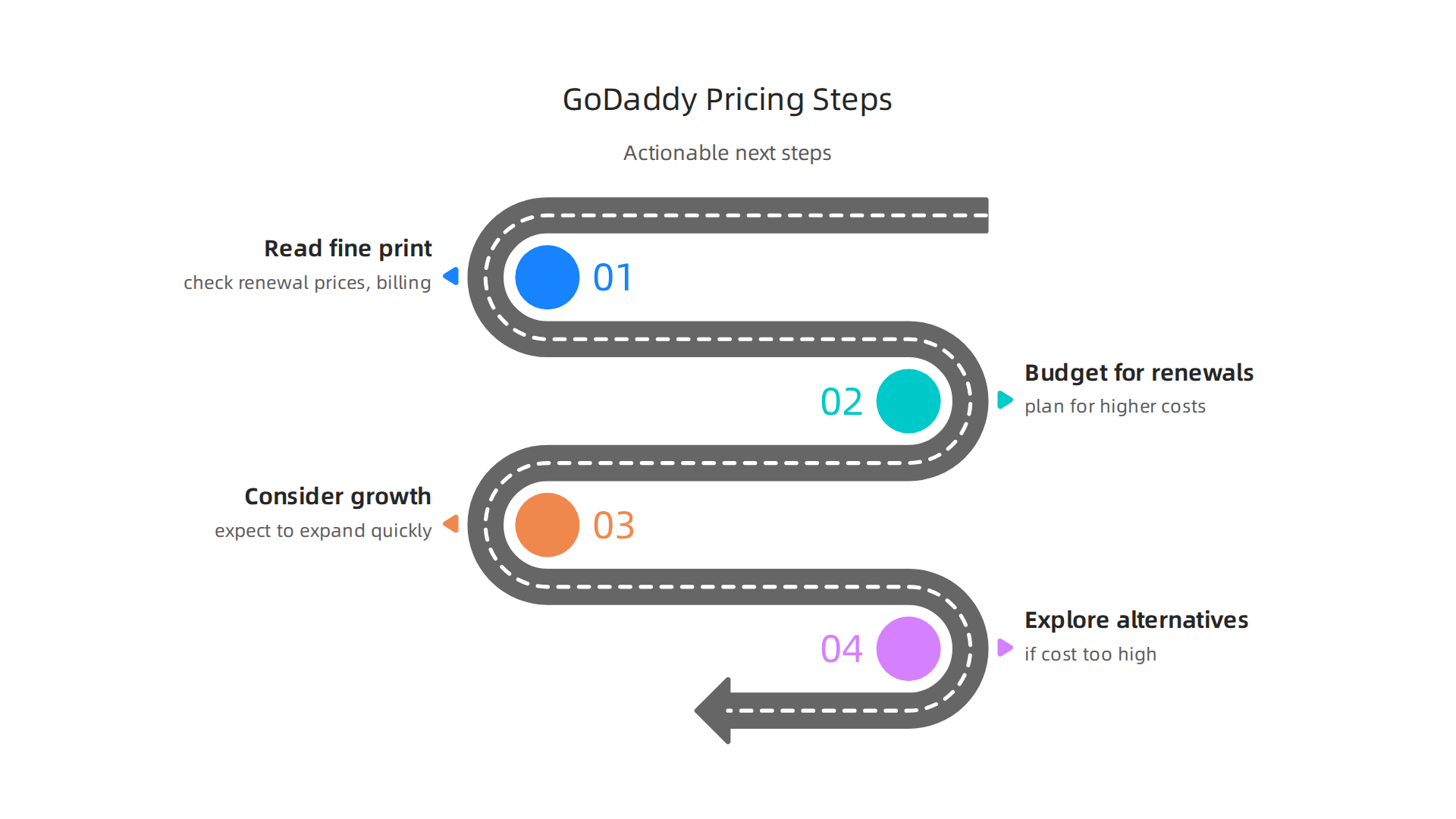
- Read the fine print: Always check the renewal prices and billing terms before you commit.
- Budget for renewals: Don’t just budget for the first year. Plan for the higher costs that come with renewing your plan.
- Consider your growth: Think about how much your business might grow. If you expect to expand quickly, a platform with more flexible hosting options might be a better fit in the long run.
- Explore alternatives: If the GoDaddy cost feels too high for your growing business, or if you’re worried about hidden fees, it might be time to look at other options. Learning about the real GoDaddy website cost can help you compare. For bigger needs, you might want to look into other GoDaddy hosting prices.
Summary
This article explains GoDaddy Website Builder pricing for small businesses and entrepreneurs, breaking down the Free, Basic, Premium and Commerce plans and what each includes. It shows how billing cycles and introductory discounts can mask higher renewal rates, and highlights common extra costs — domain renewals, SSL certificates, professional email, premium templates and transaction fees — that change the true price of a site. The guide covers which features matter for brochures, service sites and online stores, plus security, backups and scaling limits to watch for as your business grows. It also gives practical next steps: read renewal terms, budget beyond year one, compare alternatives, and plan migrations if you need more flexibility. After reading, you’ll know how to estimate your real GoDaddy cost and pick the plan that fits your budget and growth plans.
